I remember the first time I saw the error: Uncaught RangeError: Maximum call stack size exceeded.
I was a junior developer working on a simple recursive function to traverse a menu tree. I thought I had the logic perfect. But every time I ran the code, the browser froze for a split second, and then that red error message exploded in the console.
I stared at it. "Call stack?" I knew what a stack was in data structures class—Last In, First Out—but I didn't truly understand how it related to the JavaScript engine running inside my Chrome browser. I didn't understand that there was a limit to how many functions I could run at once, or how JavaScript kept track of where it was.
If you have ever stared at a stack trace trying to figure out which function called which, or if you’ve wondered why a while(true) loop freezes your entire page, you are struggling with the Call Stack.
This is not just academic theory. Understanding the Call Stack is the difference between blindly guessing at bugs and knowing exactly how to trace the history of your program execution.
In this article, we are going to demystify the Call Stack. We will break it down, watch it run, and learn how to use this knowledge to debug faster.
What Is the Call Stack? (The Simple Explanation)
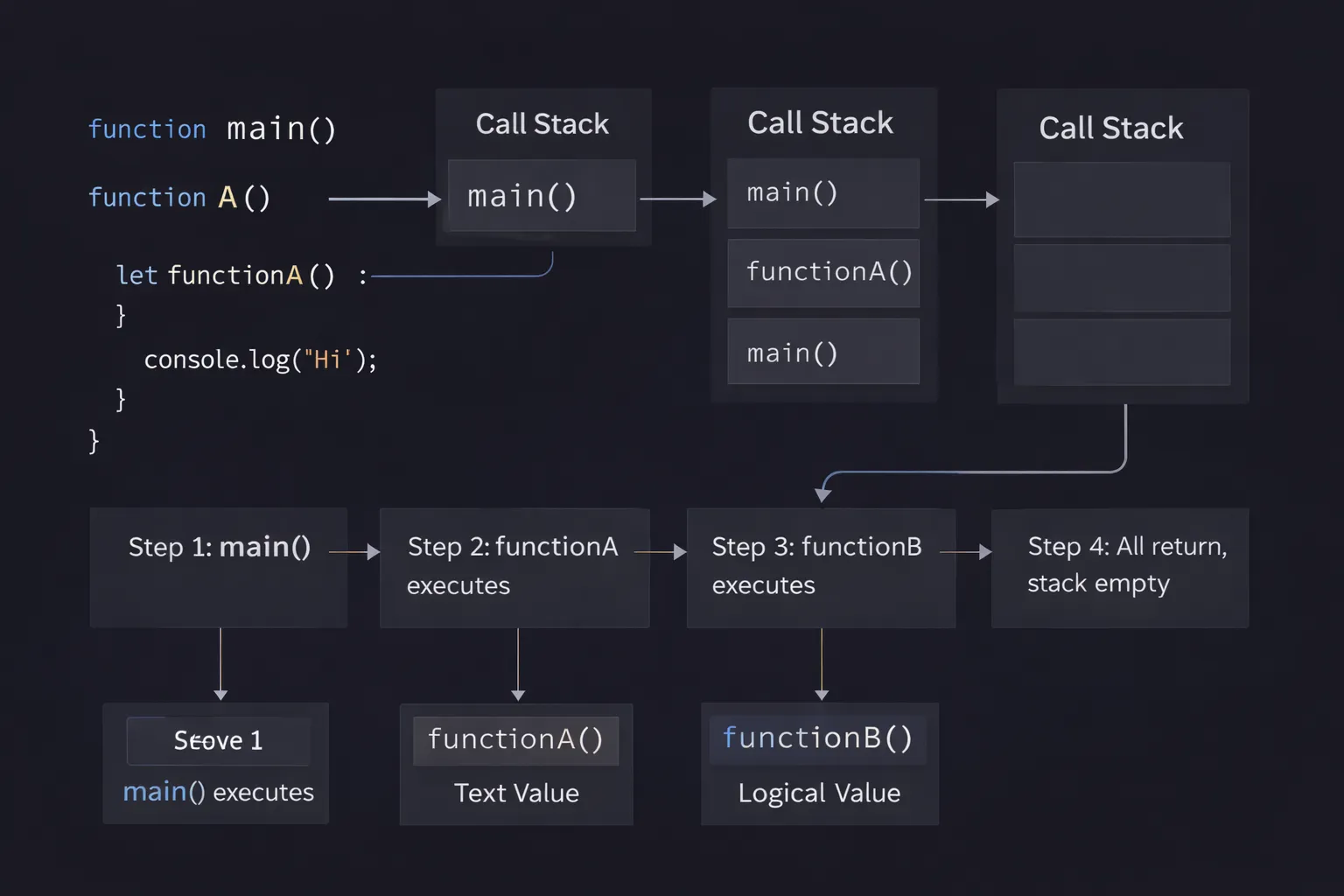
The Call Stack is the mechanism JavaScript uses to keep track of where it is in a script that calls multiple functions.
Think of it as the engine's "To-Do List" for currently running functions. Since JavaScript is single-threaded (it has only one brain), it can only do one thing at a time. The Call Stack tells the engine: "I am currently executing this function, and when I am done, I need to go back to the function that called me."
The Mental Model: The Stack of Plates
To visualize this, I want you to imagine a stack of dinner plates in a cafeteria.
This stack has very specific rules:
- Push: You can only put a new plate on the very top.
- Pop: You can only take a plate off from the very top.
You cannot pull a plate from the middle, or the whole thing crashes. This is what we call LIFO: Last In, First Out. The last plate you put down is the first one you pick up.
In JavaScript:
- The Plates are your functions.
- Putting a plate down is calling a function.
- Taking a plate off is the function returning (finishing).
When you start your script, the table is empty (or rather, it has the global environment). When you call a function, you stack a plate. If that function calls another function, you stack another plate on top. You cannot finish the first function (the bottom plate) until you finish the top function (the top plate).
Step-by-Step Code Execution
Let’s stop imagining plates and look at actual code. We are going to run a simple script that models a morning routine.
1function makeCoffee() {
2  return "Coffee is ready";
3}
4
5function eatBreakfast() {
6  const coffee = makeCoffee();
7  console.log(coffee);
8  return "Breakfast finished";
9}
10
11function wakeUp() {
12  eatBreakfast();
13  console.log("I am ready for work");
14}
15
16wakeUp();
17
This looks simple, but the mechanics inside the engine are precise. Let’s walk through the execution line by line.
Step 1: The Global Execution
The engine starts running the file. It ignores the function definitions for a moment and jumps to the bottom line: wakeUp().
- Action: The engine sees a function call.
- Stack: It pushes
wakeUponto the stack.
**Step 2: Inside wakeUp**
Now we are inside wakeUp. The first line is eatBreakfast().
- Action: Another function call. We pause
wakeUp. - Stack: We push
eatBreakfastonto the stack. It sits on top ofwakeUp.
**Step 3: Inside eatBreakfast**
Inside eatBreakfast, the first line is const coffee = makeCoffee().
- Action: Another function call. We pause
eatBreakfast. - Stack: We push
makeCoffeeonto the stack.
State of the Stack right now:
makeCoffee(Top - Running)eatBreakfast(Paused)wakeUp(Paused)- Global (Paused)
Step 4: makeCoffee Returns
makeCoffee returns the string "Coffee is ready". It finishes its job.
- Action: The function returns.
- Stack: We pop
makeCoffeeoff the stack. - Result: We resume
eatBreakfastexactly where we left off.
**Step 5: Finishing eatBreakfast**
eatBreakfast logs the message and returns "Breakfast finished".
- Action: The function returns.
- Stack: We pop
eatBreakfastoff the stack. - Result: We resume
wakeUp.
**Step 6: Finishing wakeUp**
wakeUp logs "I am ready for work". It has no more lines.
- Action: The function returns.
- Stack: We pop
wakeUpoff the stack.
Now the stack is empty. The program is done.
How It Works Internally
To be a senior developer, you need to know what those "plates" actually are. In technical terms, every time you push onto the stack, you are creating a Stack Frame (or Execution Context).
A Stack Frame isn't just the function name. It is a specific region of memory that holds:
- Local Variables: Any variables defined inside that function (
let,const,var). - Arguments: The parameters passed to the function.
- The "this" keyword: The reference to the object that owns the execution.
- Return Address: A pointer telling the engine where to go back to when this function finishes.
The Single-Threaded Limit
Here is the most important part: The Call Stack has a fixed size.
Computer memory is not infinite. The browser allocates a specific amount of memory for the stack. If you keep stacking plates forever without taking any off, you will eventually hit the ceiling.
This is different from the Heap. The Heap is a large, unstructured memory pool where objects and arrays live. The Stack is structured and limited. It is optimized for speed—pushing and popping frames is incredibly fast because the engine always knows exactly where the top is.
Execution Contexts
When your code starts, the engine creates a Global Execution Context. This is the bottom-most plate. It never pops off until you close the browser tab. Every function call creates a Function Execution Context.
The "Scope Chain" (how variables are found) is closely tied to this stack. When you ask for a variable, the engine looks at the current Stack Frame. If it's not there, it looks at the parent's frame (lexically), and so on.
Common Mistakes Developers Make
I have seen the stack cause major headaches in production apps. Here are the two most common ways it breaks.
1. The Infinite Recursion (Stack Overflow)
This is the classic error I mentioned in the introduction. Recursion is when a function calls itself. If you forget the "exit condition" (the base case), the function calls itself forever.
1// DON'T DO THIS
2function panic() {
3  panic();
4}
5
6panic();
7paniccallspanic.- Stack:
panic->panic. - Stack:
panic->panic->panic. - ... 15,000 frames later ...
- CRASH:
Maximum call stack size exceeded.
The Fix: Always ensure your recursive functions have a condition where they stop calling themselves and start returning (popping off the stack).
2. Blocking the Stack (Freezing the UI)
This is a more subtle but dangerous bug. Remember, JavaScript is single-threaded. If the Call Stack is busy, the browser cannot do anything else. It cannot render pixels. It cannot handle clicks. It cannot run CSS animations.
1function heavyTask() {
2  // A loop that takes 5 seconds to finish
3  let i = 0;
4  while(i < 10000000000) {
5    i++;
6  }
7}
8
9button.addEventListener('click', heavyTask);
10
When a user clicks that button, heavyTask pushes onto the stack. It stays there for 5 seconds. During those 5 seconds, the user is clicking frantically, but the browser is frozen.
Why? Because the Event Loop (which handles clicks) cannot push new events onto the stack until the stack is empty.
The Fix: Never put heavy computation on the main Call Stack. Use Web Workers to run heavy math on a background thread, or use setTimeout to break the task into smaller chunks.
Real-World Use Cases
You might be thinking, "I don't write recursive algorithms, so why do I care?" You care because you debug.
1. Reading Stack Traces
When your app crashes, the console prints a Stack Trace. This is literally a snapshot of the Call Stack at the exact moment of death.
1Error: Something broke!
2    at doRiskyThing (script.js:10)
3    at handleRequest (script.js:25)
4    at submitForm (script.js:40)
5
Many juniors read this top-down and get confused.
- Top line: Where the crash happened (
doRiskyThing). - Lines below: Who called that function.
handleRequestcalleddoRiskyThing.submitFormcalledhandleRequest.
Reading the stack trace bottom-up tells you the story of how the user got to the error.
2. Asynchronous JavaScript (The Stack is Empty)
Understanding the stack explains why setTimeout behaves the way it does.
1console.log("Start");
2setTimeout(() => console.log("Timeout"), 0);
3console.log("End");
4Startis pushed and popped.setTimeoutis pushed. It tells the browser "Hold this timer," and then it pops immediately.Endis pushed and popped.- The Stack is now empty.
- Only now can the Event Loop push the
Timeoutcallback onto the stack.
If you didn't understand that the stack must be empty first, you would think "0 milliseconds" means "immediately." It doesn't.
The Interview Perspective
If I am interviewing you for a Frontend role, I will ask about the Call Stack to check your fundamental knowledge.
Common Question: "What is a Stack Frame?"
Bad Answer: "It's a part of the stack." Good Answer: "A Stack Frame is a record created when a function is invoked. It stores the function's arguments, local variables, and the return address. When the function returns, the frame is popped off memory."
The Tricky Question: "Does the stack store objects?"
Answer: Technically, no. The stack stores references (pointers) to objects. The actual object data lives in the Heap.
- Primitive values (numbers, booleans) are stored directly in the stack frame.
- Objects/Arrays are stored in the Heap, and the stack frame just holds the memory address pointing to them.
This distinction is crucial when answering questions about "Pass by Value" vs "Pass by Reference."
TL;DR / Key Takeaways
If you are rushing, here is the cheat sheet:
- LIFO: The Call Stack is Last In, First Out.
- Single-Threaded: JavaScript has only one stack. It can do one thing at a time.
- Stack Frames: Every function call creates a frame containing local variables and arguments.
- Synchronous: The stack is synchronous. It handles code line-by-line.
- Overflow: Calling too many functions (recursion) fills the memory and crashes the browser.
- Blocking: If a function takes too long on the stack, the browser freezes.
FAQ
Q: What happens to the stack when I use await?
A: When you await a promise, the function pauses. The engine effectively "removes" it from the stack temporarily to let other code run. Once the promise resolves, the function is pushed back onto the stack to continue where it left off.
Q: How big is the Call Stack? A: It varies by browser and engine version, but it's usually around 10,000 to 50,000 frames. You shouldn't rely on the exact number; just avoid infinite loops.
Q: Is the Call Stack the same as the Event Loop? A: No. The Call Stack is part of the JS engine (V8). The Event Loop is a mechanism in the browser (or Node.js) that monitors the Call Stack and feeds it tasks from the callback queue.
Q: Can I see the Call Stack while my code is running? A: Yes! Open Chrome DevTools, go to the Sources tab, and add a breakpoint in your code. When the code pauses, look at the right-hand panel. There is a section literally named "Call Stack" that shows you the exact hierarchy of functions at that moment.
Conclusion
The JavaScript Call Stack is the heartbeat of your code's execution. It is the metronome that keeps everything in order, ensuring that function A finishes before function B continues.
When I stopped thinking of my code as just text on a screen and started visualizing the stack—pushing and popping, growing and shrinking—debugging became a game rather than a chore. I could look at a piece of code and "play it" in my head.
Next time you see a RangeError or a frozen browser tab, don't panic. Close your eyes. Visualize the stack of plates. Find the function that is refusing to be popped off. That is where your bug lives.
Now, go open your browser console and try to crash it on purpose. It’s the best way to learn.