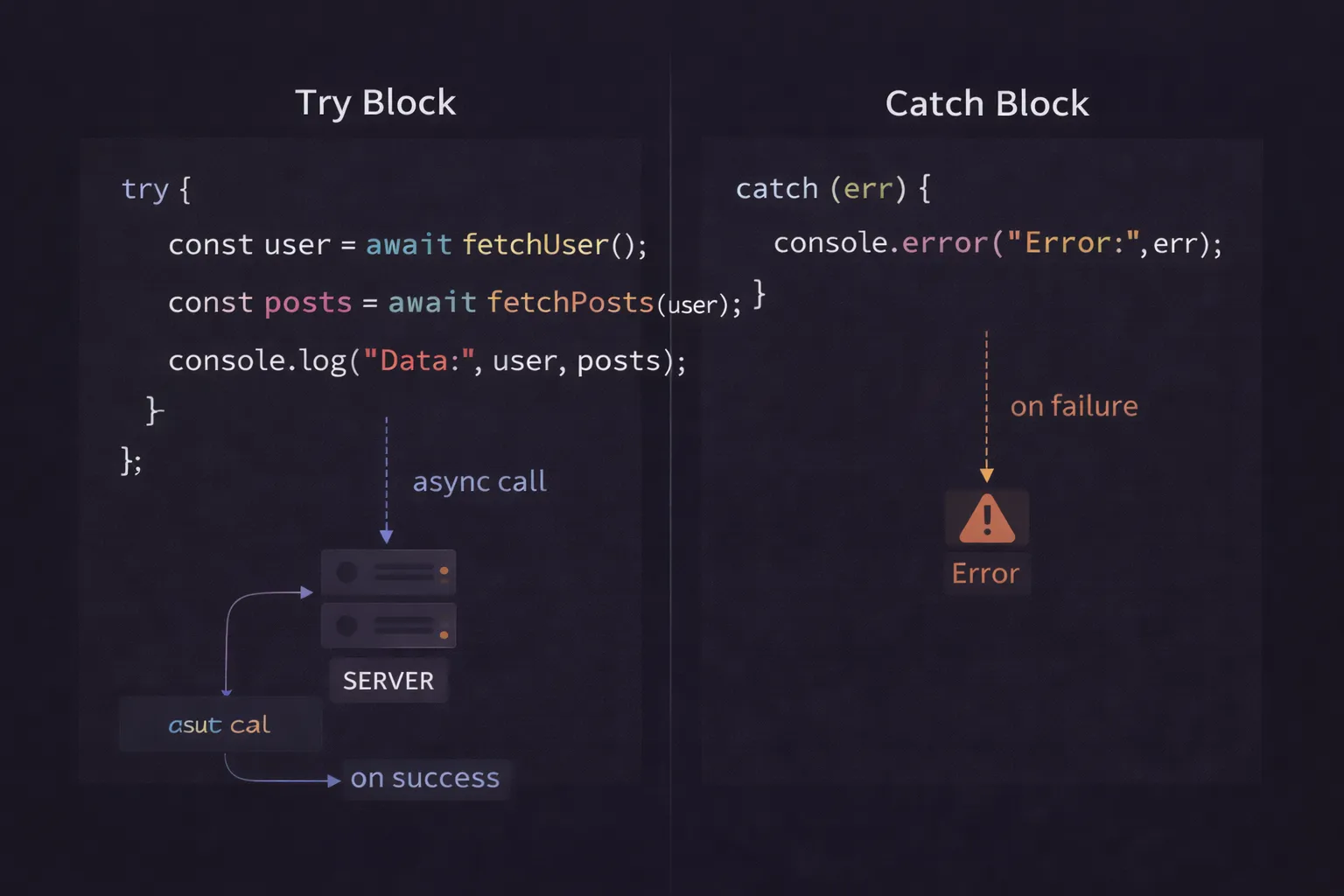
I still remember the first time I saw async/await in a codebase. It was 2017, and I had just spent the previous two years mastering Promises. I finally felt comfortable with .then() chains. I knew how to return values to the next link in the chain. I felt like a wizard.
Then, I opened a file in a new project, and it looked... synchronous. There were no callbacks. There were no .then() blocks. It just looked like standard, boring Python or Java code.
const user = await getUser(id);
I stared at it. "How is this possible?" I thought. "JavaScript is single-threaded. If we wait here, won't the whole browser freeze?"
I was terrified to touch it. I assumed it was some black magic that blocked the main thread. It took me weeks to realize that async/await wasn't changing the fundamental rules of JavaScript; it was just a brilliant disguise.
If you are looking at async functions and feeling that same confusion—wondering where the .then() went, or why your error handling blocks look different—you are in the right place.
In this article, we are going to deconstruct async/await. We won't just learn the syntax; we will look under the hood to see how the engine pauses your code, handles errors without crashing, and manages the Event Loop.
What is Async/Await? (The Plain English Version)
async/await is a modern syntax that allows you to write asynchronous code (code that takes time) as if it were synchronous (code that happens instantly).
It is not a new technology. Underneath, it is still using Promises. Think of it as "syntactic sugar"—a prettier wrapper around the Promise logic we already know. It allows you to pause the execution of a function until a Promise resolves, giving you the result directly in a variable, without needing to nest a callback function.
The Mental Model: The Pause Button
To understand async/await, you need to discard the idea that functions run from start to finish without stopping.
Imagine you are watching a movie on Netflix. This is your Async Function.
Suddenly, the pizza delivery guy rings the doorbell. This is the await keyword.
- The Pause: You hit pause on the movie. The TV screen freezes on the current frame.
- The Task: You get up, walk to the door, pay the driver, and get the pizza. This is the Promise doing its work (fetching data).
- The Resume: You sit back down and hit play. The movie picks up exactly where it left off.
Crucially, while the movie was paused, life didn't stop. Your cat was still walking around. Cars were still driving outside. The "world" (the Event Loop) kept spinning. Only your specific movie (the function) was suspended.
When you use await, you are hitting the pause button on that specific function, allowing the JavaScript engine to go do other things (like render the UI) until your data arrives.
Step-by-Step Code Execution
Let's look at a realistic example. We are going to fetch user data and handle the potential errors.
1async function loadUserProfile(userId) {
2  console.log("1. Function started");
3
4  try {
5    // The PAUSE happens here
6    const response = await fetch(`https://api.example.com/users/${userId}`);
7
8    console.log("3. Response received");
9
10    if (!response.ok) {
11      throw new Error("User not found");
12    }
13
14    const userData = await response.json();
15    console.log(`4. User is ${userData.name}`);
16    return userData;
17
18  } catch (error) {
19    console.error(`Error: ${error.message}`);
20  }
21}
22
23console.log("Before calling function");
24loadUserProfile(123);
25console.log("After calling function");
26
What is happening here?
Step 1: The Call
The engine prints "Before calling function". Then it calls loadUserProfile(123).
Step 2: The Synchronous Start
The execution enters the function. It prints "1. Function started".
It enters the try block. It encounters fetch.
The fetch request is fired off to the browser's Web API. It returns a Promise immediately.
Step 3: The await Suspension
The engine sees the await keyword.
This is the magic moment. The engine pauses the execution of loadUserProfile. It literally saves the current state of the function (variables, location) and pops it off the call stack.
The function is no longer running.
Step 4: The Global Continuation
Now that loadUserProfile is paused, the engine goes back to the global scope.
It prints "After calling function".
The script finishes. The Call Stack is empty.
Step 5: The Event Loop
Time passes. Maybe 200ms later, the API replies. The fetch Promise resolves.
The Event Loop sees this resolution. It goes to the paused loadUserProfile function and pushes it back onto the Call Stack.
Step 6: The Resume
The function wakes up exactly at the line where it slept.
The resolved value from fetch is assigned to the response variable.
It prints "3. Response received".
It continues to the next await, pauses again for .json(), and repeats the process.
How It Works Internally
To be a senior developer, you need to understand that async/await is actually built on top of Generators.
The Generator Connection
JavaScript has a special type of function called a Generator (marked with function*). Generators can yield control back to the caller and be resumed later.
When you write async function, the JavaScript engine essentially rewrites your code into a Generator.
awaitbecomesyield.- A "Runner" function wraps your code.
When the Runner hits a yield (await), it subscribes to the Promise. When the Promise resolves, the Runner calls iterator.next(), pushing the value back into the function and resuming execution.
The Microtask Queue
Remember that await is just a Promise wrapper. When an await finishes, the resumption of your function is treated as a Microtask.
This means that even if the API data comes back instantly, the rest of your function will never run in the same "tick" of the event loop. It will always wait until the current synchronous code finishes.
This consistency is vital. It guarantees that await always behaves asynchronously, preventing race conditions where code sometimes runs now and sometimes runs later.
Error Handling: The try/catch Paradigm
One of the biggest benefits of async/await is that it allows us to handle both synchronous and asynchronous errors with the same construct: try/catch.
In the old Promise days, we had to mix try/catch (for synchronous logic) with .catch() (for async logic). It was messy.
The Pattern
Here is the robust pattern I use in production code:
1async function robustDataFetch(url) {
2  try {
3    // 1. Network Request
4    const response = await fetch(url);
5
6    // 2. HTTP Error Handling (Fetch doesn't throw on 404/500)
7    if (!response.ok) {
8      throw new Error(`HTTP Error! Status: ${response.status}`);
9    }
10
11    // 3. Parsing JSON (Can fail if response is empty or HTML)
12    const data = await response.json();
13
14    return data;
15
16  } catch (error) {
17    // 4. Centralized Error Handling
18    if (error.name === 'TypeError') {
19      console.error("Network Error: Check your connection.");
20    } else {
21      console.error("Application Error:", error.message);
22    }
23    // Decide: Return null, re-throw, or return default data
24    return null;
25  }
26}
27
Why this matters
Notice that the throw new Error inside the if block is synchronous. The await fetch failure is asynchronous. The await response.json() failure is asynchronous parsing.
The catch block catches all of them. You don't need separate handlers. You have one safety net for the entire operation.
Common Mistakes Developers Make
I see async/await misused constantly. Here are the traps you need to avoid.
1. The forEach Trap
This is the most common bug I see in junior code.
1// DON'T DO THIS
2async function processUsers(userIds) {
3  userIds.forEach(async (id) => {
4    const user = await getUser(id);
5    console.log(user);
6  });
7  console.log("Done");
8}
9
The Bug: forEach is a synchronous function. It does not wait for promises. It fires off all the async callbacks instantly and moves on. The console will print "Done" before any users are fetched.
The Fix: Use for...of or Promise.all.
1// DO THIS
2async function processUsers(userIds) {
3  for (const id of userIds) {
4    const user = await getUser(id); // Waits for each one
5    console.log(user);
6  }
7  console.log("Done"); // Prints last
8}
9
2. Accidental Serialization (Performance Killer)
Sometimes you don't want to wait for items one by one. If the requests are independent, awaiting them in a loop is slow.
1// SLOW: Takes 3 seconds total (1s + 1s + 1s)
2const user = await getUser();
3const posts = await getPosts();
4const comments = await getComments();
5
6// FAST: Takes 1 second total (Parallel)
7const [user, posts, comments] = await Promise.all([
8  getUser(),
9  getPosts(),
10  getComments()
11]);
12
Use Promise.all when the tasks don't depend on each other. It fires them all at once and waits for the group to finish.
3. The "Ghost Promise"
If you forget the await keyword, your variable won't contain the data. It will contain the Promise object.
1const data = fetch('/api'); // Forgot await!
2console.log(data.id); // undefined
3console.log(data); // Promise { <pending> }
4
This usually happens when you call an async function inside another function but forget to make the parent async or await the child.
Real-World Use Cases
Where do we actually use this in production?
1. React useEffect Data Fetching
In React, you cannot make the useEffect callback async directly because useEffect expects a cleanup function (or nothing) to be returned, not a Promise.
The Pattern:
1useEffect(() => {
2  // Create an async function inside
3  const fetchData = async () => {
4    try {
5      const result = await getData();
6      setState(result);
7    } catch (err) {
8      setError(err);
9    }
10  };
11
12  // Call it immediately
13  fetchData();
14}, []);
15
2. Node.js Controller Logic
In backend development (Express/NestJS), async/await is the standard. Database queries are asynchronous.
1app.get('/dashboard', async (req, res) => {
2  try {
3    const user = await db.User.findById(req.userId);
4    const metrics = await db.Metrics.find({ orgId: user.orgId });
5
6    res.json({ user, metrics });
7  } catch (error) {
8    res.status(500).send("Server Error");
9  }
10});
11
This looks indistinguishable from synchronous code, making it incredibly easy to read and maintain compared to the callback hell of 2014.
Interview Perspective
If I am interviewing you, I am going to test if you understand that async/await is non-blocking to the outside world.
The Trick Question
"What is the output order of this code?"
1async function test() {
2  console.log('1');
3  await null; // Wait for nothing
4  console.log('2');
5}
6
7console.log('3');
8test();
9console.log('4');
10
The Breakdown:
3prints (Global synchronous).test()is called.1prints (Synchronous part of async function).await nullis hit. The function suspends. It schedules the rest (console.log('2')) as a microtask.- Control returns to global.
4prints. - Stack is empty. Microtasks run.
2prints.
Answer: 3, 1, 4, 2.
Many candidates guess 3, 4, 1, 2 (thinking the whole function is deferred) or 3, 1, 2, 4 (thinking await null does nothing).
TL;DR / Key Takeaways
- Syntactic Sugar:
async/awaitis just a wrapper around Promises. - Non-Blocking: It pauses the function, not the browser.
- Error Handling: Use
try/catchblocks to handle both sync and async errors. - Loops: Never use
forEachwith async. Usefor...of. - Parallelism: Use
Promise.allif requests are independent to boost performance.
FAQ
Q: Can I use await outside of an async function?
A: Yes, in modern environments (recent Node.js versions and browsers), you can use Top-Level Await in modules (type="module"). However, inside standard scripts or older environments, await must be inside an async function.
Q: Does async/await make my code run faster?
A: No. Strictly speaking, it might be slightly slower than raw Promises due to the generator overhead (though negligible). Its purpose is readability and maintainability, not raw execution speed.
Q: What happens if I await a non-Promise value?
A: JavaScript automatically wraps it in a resolved Promise. const x = await 5; works fine; x becomes 5. The function still pauses briefly (microtask) to ensure consistent behavior.
Conclusion
async/await is one of the best things to happen to JavaScript. It turned the nightmare of asynchronous logic into something readable, linear, and manageable.
But remember: it is a tool, not magic. You are still dealing with time. You are still dealing with the Event Loop.
When you use await, close your eyes and visualize that "Pause" button. Visualize the function popping off the stack and the Event Loop continuing its work. If you can see that flow, you will never be confused by out-of-order logs or "ghost promises" again.
Now, go refactor that old .then() chain. Your future self will thank you.