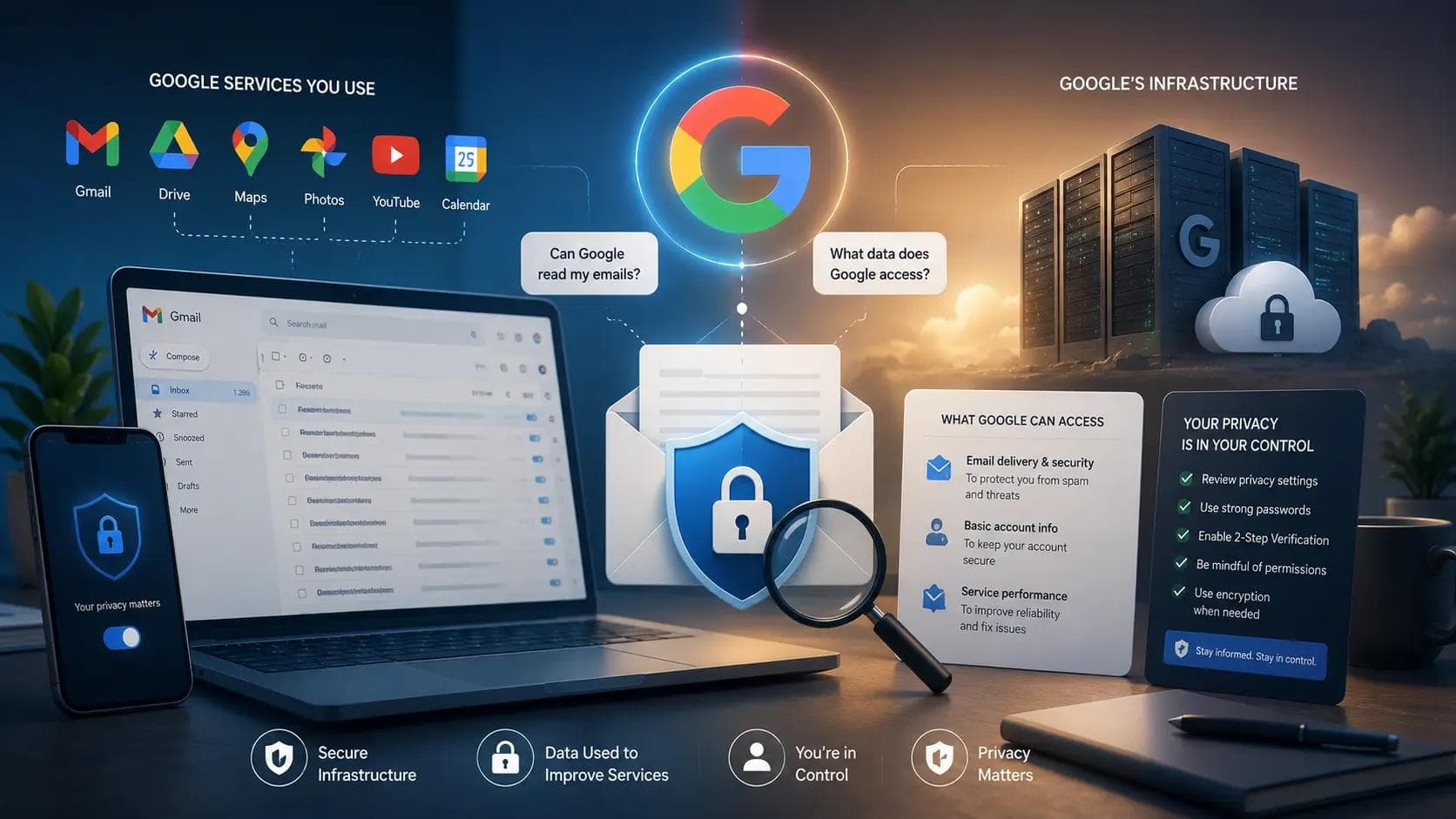
You typed a flight number into an email once, and thirty seconds later Gmail asked if you wanted it added to your calendar. That moment is usually what triggers the question: can Google read my emails? The short answer is yes, in a specific and limited sense, and the longer answer explains exactly which systems are doing the reading, what changed in the past year, and how to shut most of it off if you'd rather they didn't.
I've spent enough time auditing client Google Workspace accounts to know most people are asking the wrong version of this question. They picture a person at Google scrolling through their inbox, when the real answer involves classifiers, AI models, and a 2025 controversy most users never heard about.
The Short Answer: Yes, But Not the Way Most People Picture
No human employee at Google is sitting down and reading your personal messages. That part of the fear is misplaced. What actually happens is automated: software scans the content of every email that passes through Gmail to sort spam, catch malware, and — since 2025 — power AI features through Gemini.
That distinction between "a person read it" and "a system processed it" sounds like a technicality, but it isn't nothing either. A system that can extract your flight number, your package tracking code, and your bill due date has, in a functional sense, understood your email well enough to act on it. Whether that counts as Google "reading" your mail depends on how strict a definition you're using.
What Actually Happens to Your Email Behind the Scenes
Several layers of automated processing touch your inbox, and they serve very different purposes.
Spam and security filtering runs on every message, checking sender reputation, attachment safety, and phishing patterns before anything reaches your inbox. This layer has existed since Gmail launched and isn't something you can meaningfully opt out of, since it's what keeps malicious content out in the first place.
Smart features cover Smart Compose, Smart Reply, automatic categorization, and the calendar-and-Maps integration that spotted your flight confirmation. These are on by default for most accounts and read message content specifically to power those conveniences inside Gmail, Chat, and Meet.
Gemini AI is the newest and most contested layer. When enabled, it can summarize threads, draft replies, and search across your email history using natural language. Google states clearly that Gemini in Gmail processes your content to complete the specific task you ask for, and does not retain that data afterward or use it to train its public AI models.
Each layer operates independently, which means turning off one doesn't necessarily turn off the others — a detail that trips up a lot of people who think a single Gmail privacy setting covers everything.
Did Google Ever Read Email for Advertising?
This is where a lot of outdated fear comes from, and it's worth settling directly. Google did scan Gmail content to personalize ads for years after Gmail launched, and that practice ended in 2017. The change was announced publicly by Google Cloud's then-chief Diane Greene, and it affected roughly 1.2 billion Gmail users at the time.
If you've been avoiding Gmail because you heard Google reads your mail to sell ads against it, that specific concern is nearly a decade out of date. What replaced it is a different set of automated systems tied to productivity features rather than advertising — which brings its own separate set of privacy questions, just not the one most people are still worried about.
The Gemini Controversy: What Changed in Late 2025
In October 2025, reports surfaced that Google had switched on Gemini's smart features by default across Gmail, Chat, and Meet for a large number of accounts, rather than keeping them strictly opt-in. That rollout is now the subject of an active class-action complaint filed in the Northern District of California, alleging users weren't clearly notified before the setting was enabled.
Google has moved to dismiss the case, and as of mid-2026 the court hadn't ruled either way, so nothing about the lawsuit is settled. In my experience walking clients through their own Workspace admin panels around this time, several had smart features turned on without remembering ever agreeing to it — which lines up with the core complaint, whatever the legal outcome ends up being.
Google also split its combined smart-features toggle into two separate controls in January 2026, one for Gmail itself and one extending personalization to other Google products. That split is a common source of confusion, since disabling one setting can leave the other quietly active.
How to Check and Turn Off Gmail's Smart Features
If you'd rather Gemini and smart features stay out of your inbox entirely, the process takes about two minutes.
- Open Gmail settings and go to the Data privacy section.
- Locate Smart features and turn it off for Gmail specifically.
- Separately open Google Workspace smart features and disable that toggle too, since it's not automatically linked to the first one.
- Visit your Gemini activity page under My Activity and delete any stored conversation history if you've used Gemini in Gmail before.
- Recheck both settings every few months, since Google has re-prompted users to re-enable these features after past product updates.
A common mistake is stopping after step one and assuming the job is done. Because the two toggles were split apart in January 2026, disabling only the Gmail-specific one still leaves the broader Workspace personalization setting active in the background.
Should You Actually Worry?
This depends entirely on what you send through Gmail. If your inbox includes medical records, legal documents, or financial statements, it's reasonable to want tighter control over what any automated system — Google's or otherwise — gets to process, regardless of whether that data is retained afterward.
For most everyday use, Gmail's automated scanning is closer to a background utility than a surveillance risk. Alternatives like Proton Mail or Tutanota offer end-to-end encryption specifically for people who want mail providers with no content scanning at all, though you'll trade away conveniences like Smart Compose and automatic calendar detection to get there.
The actionable move here isn't picking a side in the privacy debate — it's actually opening your settings and seeing what's turned on, rather than assuming either way.
Key Takeaways
- No human at Google reads individual emails; automated systems handle spam filtering, smart features, and Gemini processing.
- Google stopped scanning Gmail for ad personalization back in 2017.
- Gemini's smart features were reportedly switched on by default for many accounts in October 2025, sparking an active class-action complaint.
- Google split its smart-features toggle into two separate settings in January 2026 — disabling one doesn't disable the other.
- Sensitive documents deserve extra caution regardless of what Google's retention policy currently states.
Conclusion
So, can Google read my emails? Automated systems do process the content of your inbox for spam filtering, smart features, and Gemini-powered tools, but no person at Google is reading your messages line by line, and the old ad-scanning practice ended years ago. The part worth acting on is checking your own settings, since the 2026 toggle split means a lot of accounts have features active their owners never consciously turned on. Open your Gmail data privacy settings today and see exactly what's switched on — it takes less time than reading this article did.
Frequently Asked Questions
Can Google read my emails without my permission?
Automated systems process your email content by default for spam filtering and, unless disabled, for smart features and Gemini. This isn't a human reading your mail, but it does happen without a separate explicit prompt each time, which is the core complaint behind the 2025 controversy.
Does Google still scan Gmail for advertising purposes?
No. Google ended that practice in 2017, confirmed publicly at the time by Google Cloud leadership. Current automated processing is tied to spam protection, productivity features, and Gemini AI tools, not ad targeting.
Is it safe to send sensitive documents through Gmail?
It's generally functional but not the strictest option available. For medical, legal, or financial documents, consider disabling smart features first, or use an end-to-end encrypted provider like Proton Mail for anything you want fully shielded from automated processing.
How do I know if Gemini is reading my Gmail?
Check Gmail's Data privacy settings for the Smart features toggle, and separately check Google Workspace smart features. If either is enabled, Gemini can access message content to power summaries, drafts, and related tools inside your account.
Why did my Gmail smart features turn back on by themselves?
Google has re-prompted users to re-enable these settings after major product updates, and the January 2026 split into two separate toggles caused some accounts to show one setting on that users believed they'd already turned off. Checking periodically avoids this surprise.
Does turning off smart features delete past Gemini conversations?
No. Disabling the toggles stops future processing but doesn't erase existing activity history. You need to visit the Gemini activity page separately and delete saved conversations if you want that data removed as well.
About the Author

Suraj - Writer Dock
Suraj Kumar is a writer, entrepreneur, and the CEO and founder of this website, sharing simple and practical insights on business, creativity, and personal growth. With experience building digital projects, they enjoy helping others learn, grow, and succeed online.