In an era where we are bombarded with articles, podcasts, videos, and meetings, our biological brains are struggling to keep up. We often hear a brilliant idea or read a life-changing quote, only to forget it forty-eight hours later. This digital overwhelm has given birth to a movement known as "Building a Second Brain."
A Second Brain is essentially a digital system designed to store, organize, and retrieve information. It is a place where your ideas go to live, connect, and grow. However, the biggest hurdle for most people isn't the philosophy of note-taking—it is choosing the right software.
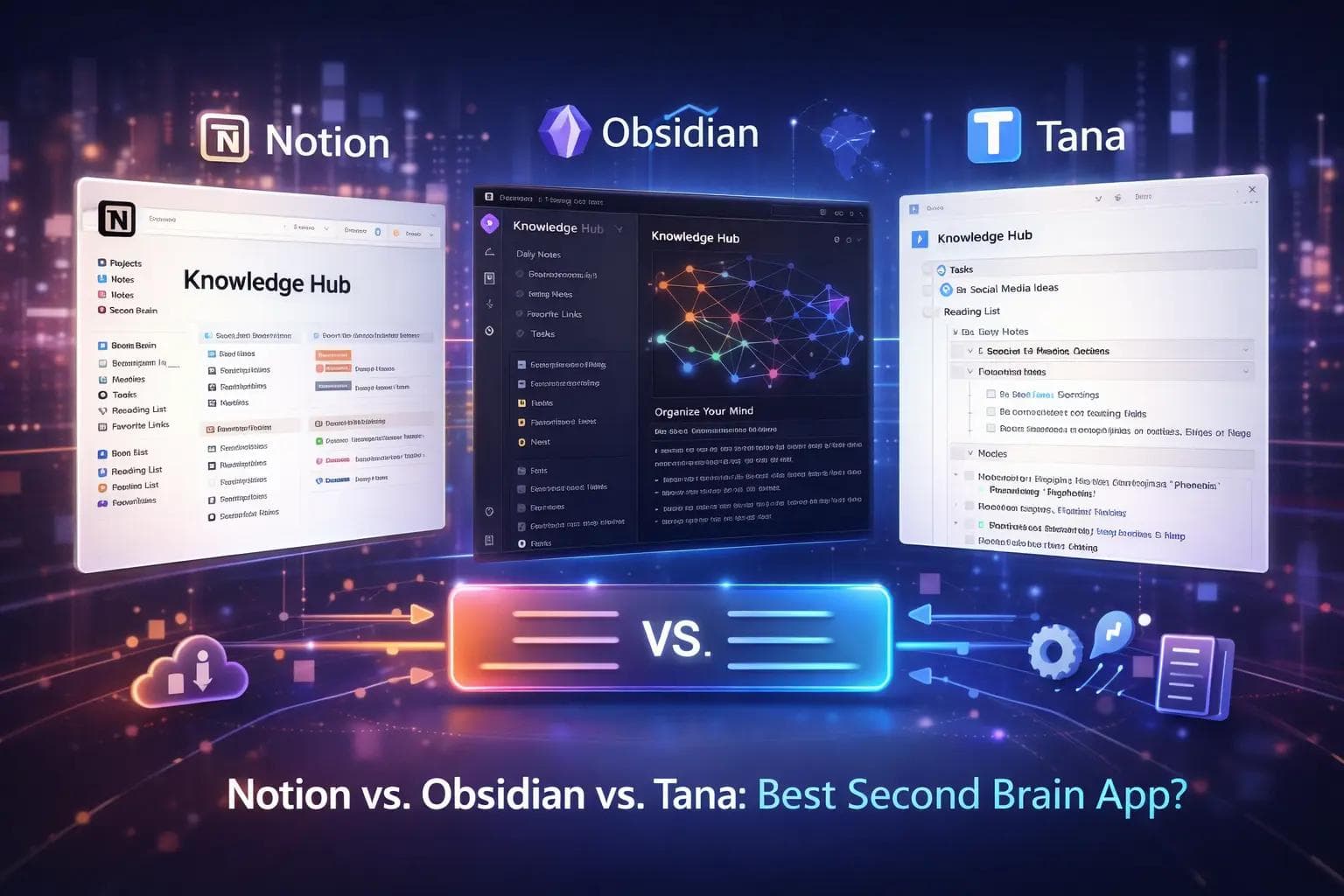
Today, three giants dominate the landscape: Notion, Obsidian, and Tana. Each offers a completely different philosophy on how information should be handled. One is a collaborative powerhouse, one is a private sanctuary, and one is a structured data engine.
This guide will break down the strengths, weaknesses, and unique features of each tool to help you decide which one should house your digital mind.
The Concept of a Second Brain
Before we dive into the software, we need to understand the goal. A Second Brain is not just a digital filing cabinet. It is a dynamic system. Most people follow the "PARA" method or the "Zettelkasten" method.
The PARA method organizes information by actionability: Projects, Areas, Resources, and Archives. The Zettelkasten method focuses on linking small, atomic notes to discover new patterns.
Your choice of tool depends heavily on which of these methods feels more natural to you.
Notion: The All-in-One Collaborative Workspace
Notion is often the "gateway drug" into the world of personal knowledge management. It is famous for its "blocks" system. Every paragraph, image, or checkbox is a block that you can drag and drop anywhere on the page.
The Philosophy of Notion
Notion views the world as a series of documents and databases. It is highly visual and aesthetic. If you enjoy building "dashboards" and having everything in one place—calendars, task lists, and notes—Notion is designed for you.
Key Features of Notion
- Relational Databases: You can create a database of "Books" and link it to a database of "Authors." This allows for incredibly powerful organization.
- Templates: Notion has one of the largest communities in the world. You can find a template for almost anything, from a wedding planner to a coding tracker.
- Collaboration: Notion is the undisputed king of teamwork. Multiple people can edit a page at the same time, leave comments, and assign tasks.
The Trade-offs
Notion is cloud-based. This means you need an internet connection to use it effectively. While there is an "offline mode," it is notoriously clunky. Furthermore, because it does so much, it can sometimes feel slow or cluttered.
Obsidian: The Private, Local-First Powerhouse
If Notion is a beautiful office building, Obsidian is a high-tech underground bunker. It is built on "Markdown" files, which are simple text files stored directly on your computer’s hard drive.
The Philosophy of Obsidian
Obsidian is built for thinkers, writers, and researchers. Its core philosophy is "linking your thinking." It focuses on bi-directional linking. If you mention a concept in one note, you can see every other note that mentions that same concept with a single click.
Key Features of Obsidian
- The Graph View: This is Obsidian's "wow" factor. It provides a visual map of all your notes and how they connect. It looks like a digital nervous system.
- Local Storage: Your notes belong to you. If the company goes out of business tomorrow, your notes remain on your hard drive. This makes it the top choice for people worried about privacy.
- Plugin Ecosystem: Obsidian is highly customizable. There are hundreds of community-made plugins that can turn it into a task manager, a drawing board, or a flashcard system.
The Trade-offs
Obsidian has a steeper learning curve. It doesn't look "pretty" out of the box. You have to build your own system. Also, syncing your notes between your computer and phone often requires a paid subscription or a bit of technical knowledge.
Tana: The Future of Structured Data
Tana is the newcomer to the group, and it is radically different. While Notion uses pages and Obsidian uses files, Tana uses "Nodes." In Tana, every single line you type is a node, and every node can be a "Supertag."
The Philosophy of Tana
Tana is for people who love structure but hate folders. It uses a concept called "supertags." If you tag a line as #meeting, Tana automatically knows that meeting has a "Date," "Attendees," and "Action Items." You don't have to move the note to a folder; the tag defines what the note is.
Key Features of Tana
- Supertags: This is the most revolutionary feature in the note-taking world. It allows you to add data fields to any piece of text instantly.
- The Daily Lab: Tana encourages you to live in your "Daily Note." You type everything there and use tags to send information to the right "place" in your system.
- Live Searches: You can create a view that shows "All tasks assigned to me that aren't finished" and it updates in real-time as you type.
The Trade-offs
Tana is currently web-only, meaning no robust offline support yet. It is also quite expensive compared to the others. Because it is so new, the mobile experience is still in its early stages.
Direct Comparison: Feature by Feature
To make your decision easier, let's look at how these three tools stack up in the categories that matter most to daily users.
1. Storage and Privacy
- Notion: All data is stored on Notion's servers. While they are secure, you do not have physical control over your data.
- Obsidian: Local-first. Your data stays on your device. It is the most private option.
- Tana: Cloud-based. Like Notion, your data lives on their servers.
2. Learning Curve
- Notion: Medium. You can start typing immediately, but learning databases takes time.
- Obsidian: High. Understanding Markdown and setting up plugins can be intimidating for beginners.
- Tana: Very High. The "supertags" concept requires a shift in how you think about information.
3. Pricing (as of 2025)
- Notion: Free for individuals. Paid plans for teams and advanced features.
- Obsidian: Completely free for personal use. You only pay for "Sync" or "Publish" services.
- Tana: Has a free tier, but the "Core" features require a monthly subscription that is higher than most competitors.
4. Search and Retrieval
- Notion: Good, but can get slow as your workspace grows.
- Obsidian: Incredible. Since it uses text files, searching through thousands of notes is nearly instantaneous.
- Tana: The best. Its ability to filter and "query" your data based on tags is unmatched.
Which Tool is Right for Your Use Case?
Because no tool is perfect, the "best" one depends on what you are trying to achieve.
The Agency Owner or Project Manager
Choose Notion. If you need to manage a team, track client progress, and create beautiful documents that you can share with the world, Notion is the clear winner. Its ability to turn a database into a "Gantt Chart" or a "Kanban Board" makes it a project management powerhouse.
The Researcher or Academic
Choose Obsidian. If you are writing a thesis, a book, or a research paper, you need to see how ideas connect over years of study. Obsidian's graph view and bi-directional links help you find "hidden" connections in your notes that you might have otherwise missed.
The "Data Nerd" or Power User
Choose Tana. If you want a system that acts like a personal assistant, Tana is for you. If you want to type "Lunch with Mark #meeting" and have that automatically appear in your "Meetings" log, your "Mark" contact page, and your "Task List," Tana’s supertags will feel like magic.
Real-World Example: Tracking a Book Launch
Let's imagine you are writing and launching a book. Here is how you might use each tool:
- In Notion: you would create a "Book Launch" dashboard. You’d have a database for your chapters, a calendar for your social media posts, and a table to track your budget. Everything is tidy and visually organized.
- In Obsidian: you would use it for the "deep work." You’d have hundreds of notes on character development, historical research, and plot points. You would link "Character A" to "Plot Point B," creating a web of the story's logic.
- In Tana: you would use supertags. You’d tag a thought as #book_idea. Later, you could run a search for every #book_idea you’ve had in the last six months and instantly see them organized by genre or priority.
Common Pitfalls: The "Procrastination" Trap
A warning for anyone starting their Second Brain journey: do not spend all your time "building" the system and no time "using" it.
Many people spend weeks perfecting their Notion icons or Obsidian CSS themes. This is known as "productivity porn." The best system is the one that allows you to get your thoughts down quickly and get back to work.
- Notion Tip: Start with a simple page. Don't build a complex database until you have at least 20 notes that need organizing.
- Obsidian Tip: Don't install 50 plugins on day one. Start with the core "Daily Notes" and "Graph View."
- Tana Tip: Don't create a supertag for everything. Start with the basic #task and #note tags.
Frequently Asked Questions (FAQ)
Can I use more than one tool?
Yes, but be careful. Many people use Obsidian for their private "thinking" and Notion for their public "doing." However, having information in two places can lead to confusion. It is usually best to pick one as your "Primary Brain."
Is my data safe in the cloud?
Both Notion and Tana use industry-standard encryption. However, they are not "end-to-end encrypted," meaning that in extreme cases (like a legal warrant), the company could technically access your data. If you have highly sensitive data, Obsidian is the safest choice.
Which tool has the best mobile app?
Notion has the most polished mobile app. Obsidian's app is very powerful but can feel cramped on a small screen. Tana currently uses a "Capture" app, which is meant for quick notes rather than full database management.
How do I move my notes if I change my mind?
Obsidian is the easiest to leave because your notes are just Markdown files. Notion allows you to export to Markdown or PDF. Tana is currently the hardest to leave, as its structure is very specific to its own platform, though they do offer JSON exports.
Does building a Second Brain take a lot of time?
It takes time to set up, but it saves time in the long run. Imagine never having to search for a lost link or a forgotten meeting note again. The "return on investment" for your time is massive.
Conclusion: The Best Tool is the One You Use
The "Second Brain" world is full of shiny new apps, but the truth is that the tool matters less than the habit.
- If you value collaboration and aesthetics, go with Notion.
- If you value privacy, longevity, and deep connections, go with Obsidian.
- If you value automation, structure, and data flow, go with Tana.
The goal is to stop using your brain as a storage device and start using it as a processing engine. By offloading your memory to one of these three tools, you free up your mind to do what it does best: imagine, create, and solve problems.
Which philosophy of thinking appeals to you most? Are you a folder-builder, a link-weaver, or a tag-creator? Pick the tool that matches your natural style, and start building your digital legacy today.
About the Author

Suraj - Writer Dock
Suraj Kumar is a writer, entrepreneur, and the CEO and founder of this website, sharing simple and practical insights on business, creativity, and personal growth. With experience building digital projects, they enjoy helping others learn, grow, and succeed online.


