Imagine you are building a house. A single brick is a great building material, but it cannot do much on its own. You need a blueprint, mortar, and a team of workers to arrange those bricks into a functional home.
In the modern software world, Docker containers are those bricks. They package your application code and everything it needs to run into a neat, isolated box.
However, modern applications rarely rely on just one container. You might have one container for your website, another for your database, and a third for your user authentication service. Managing how these containers talk to each other, start up, and stay online is a massive challenge.
This is where container management tools come into play. If you are researching this topic, you have undoubtedly encountered the two biggest names in the industry: Docker Compose and Kubernetes.
While they are often mentioned in the same breath, they serve entirely different purposes. Choosing the wrong one can either cripple your application's growth or drown your development team in unnecessary complexity.
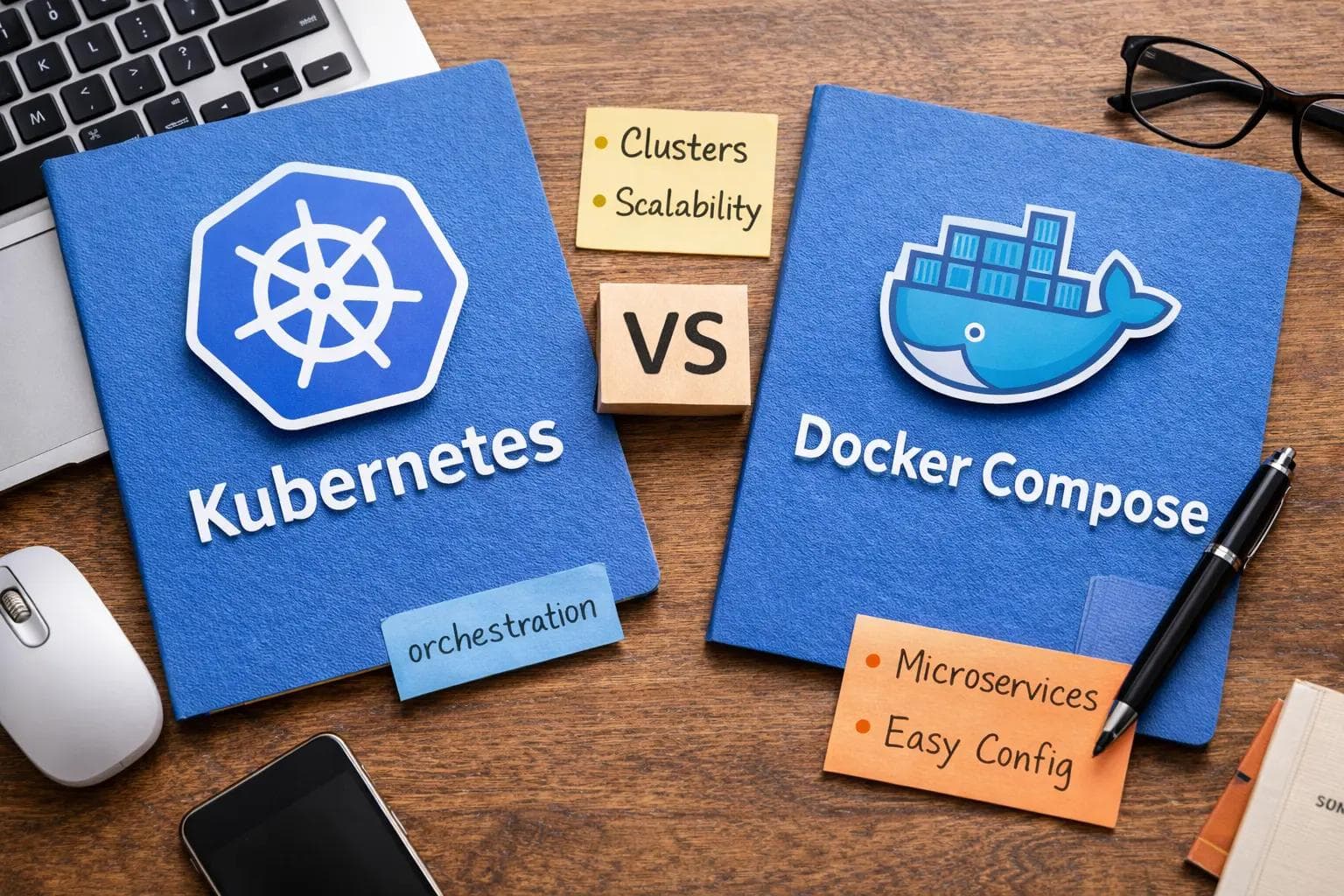
In this guide, we will break down the key differences between Kubernetes and Docker Compose. We will look at how they work, compare their code, and help you decide which tool is right for your project.
The Baseline: Understanding Container Orchestration
Before we compare the tools, we need to understand the problem they solve.
When you run a single Docker container, you can easily start it with a simple command in your terminal. But what happens when your application grows?
What if your app gets a sudden spike in traffic and you need to duplicate your web server container ten times? What if the server hosting your database crashes in the middle of the night? Who restarts it?
Doing this manually is impossible. You need a system that can automate the deployment, scaling, and management of containers. This concept is known as container orchestration.
Docker Compose and Kubernetes both tackle orchestration, but they do it at completely different scales.
What is Docker Compose? (The Local Hero)
Docker Compose is a tool designed to define and run multi-container Docker applications on a single machine.
Introduced as part of the Docker ecosystem, it was built to solve a very specific headache: local development. Before Compose, developers had to type out long, complex terminal commands for every single container they wanted to start, hoping they did it in the exact right order.
With Docker Compose, you write a single configuration file (a docker-compose.yml file). This file acts as a recipe. It tells Docker exactly which containers to build, which ports to open, and how they should connect to each other.
With a single command—docker-compose up—your entire application stack comes to life on your laptop or a single server.
Core Strengths of Docker Compose
- Simplicity: It is incredibly easy to learn and set up.
- Speed: You can spin up an entire testing environment in seconds.
- Consistency: It ensures that every developer on your team is running the exact same environment on their local machines.
What is Kubernetes? (The Fleet Commander)
Kubernetes (often abbreviated as K8s) is a powerful, open-source container orchestration platform originally developed by Google.
If Docker Compose is a manager handling a small team in one office, Kubernetes is the CEO of a global corporation managing thousands of employees across dozens of countries.
Kubernetes is designed to manage containers across a cluster of multiple machines (called nodes). It does not just start containers; it actively monitors them. It acts as the brain of your infrastructure.
If a machine in your cluster catches fire and dies, Kubernetes instantly notices that the containers on that machine are gone. It immediately restarts those missing containers on a healthy machine. This is called "self-healing."
Core Strengths of Kubernetes
- Massive Scalability: It can manage thousands of containers across hundreds of servers.
- High Availability: It guarantees your application stays online, even during severe hardware failures.
- Advanced Load Balancing: It intelligently distributes incoming web traffic so no single container gets overwhelmed.
Head-to-Head: Key Differences Explained
Now that we know the basics, let us look at the specific technical differences between these two platforms.
1. Single Node vs. Multi-Node Architecture
This is the most critical difference.
Docker Compose is strictly limited to a single host. It manages containers on one laptop, one virtual machine, or one physical server. If that single server runs out of memory or crashes, your entire application goes down.
Kubernetes is a distributed system. It groups multiple servers together into a unified "cluster." You do not tell Kubernetes which specific server should run your container. You just tell Kubernetes, "I need five copies of my web app running," and it figures out the most efficient way to spread them across your available servers.
2. Auto-Scaling Capabilities
Traffic on the internet is unpredictable.
With Docker Compose, scaling is a manual process. If you want three web servers instead of one, you have to type a command like docker-compose up --scale web=3. However, you are still limited by the RAM and CPU of that single machine.
Kubernetes features built-in Horizontal Pod Autoscaling (HPA). You can set a rule that says, "If CPU usage goes above 70%, automatically create more containers to handle the load." When traffic drops at night, Kubernetes automatically deletes the extra containers to save you money on server costs.
3. High Availability and Self-Healing
Docker Compose has basic restart policies. If a container crashes due to a software bug, Compose can try to restart it. But if the physical server loses power, Compose cannot save you.
Kubernetes was built for fault tolerance. It constantly checks the "health" of your applications. If a container stops responding, Kubernetes terminates it and spins up a fresh one. If an entire server node goes offline, Kubernetes migrates all workloads to healthy nodes without any human intervention.
4. Complexity and Learning Curve
Docker Compose is famously developer-friendly. You can learn the basics and deploy your first multi-container app in a single afternoon.
Kubernetes has a notoriously steep learning curve. You have to learn entirely new concepts: Pods, Deployments, Services, Ingress Controllers, and ConfigMaps. Setting up a Kubernetes cluster from scratch requires deep networking and system administration knowledge.
Code Comparison: The YAML Difference
To truly understand the difference in complexity, let us look at how you would configure a basic web server in both tools.
The Docker Compose Way
In Docker Compose, you define everything in one simple docker-compose.yml file.
1version: '3.8'
2services:
3  web:
4    image: my-web-app:latest
5    ports:
6      - "8080:80"
7    restart: always
This file is clean, readable, and less than 10 lines long. You run docker-compose up, and your web app is instantly available on port 8080.
The Kubernetes Way
In Kubernetes, you cannot just create a container. You have to create a "Deployment" (to manage the containers) and a "Service" (to manage the network access). This requires multiple, verbose YAML manifests.
1. The Deployment YAML:
1apiVersion: apps/v1
2kind: Deployment
3metadata:
4  name: web-deployment
5spec:
6  replicas: 3
7  selector:
8    matchLabels:
9      app: web
10  template:
11    metadata:
12      labels:
13        app: web
14    spec:
15      containers:
16      - name: web
17        image: my-web-app:latest
18        ports:
19        - containerPort: 80
2. The Service YAML:
1apiVersion: v1
2kind: Service
3metadata:
4  name: web-service
5spec:
6  selector:
7    app: web
8  ports:
9    - protocol: TCP
10      port: 8080
11      targetPort: 80
12  type: LoadBalancer
As you can see, Kubernetes requires significantly more configuration. However, that extra configuration gives you immense power. Notice the replicas: 3 line? That instantly guarantees three identical copies of your app are always running for load balancing.
When Should You Use Docker Compose?
You should not use Kubernetes just because it is a popular buzzword. In many cases, Docker Compose is actually the better, more efficient choice.
Choose Docker Compose if:
- You are developing locally: It is the absolute standard for spinning up environments on a developer's laptop.
- You are running a small project: If you have a simple blog, a hobby project, or an internal company tool, a single server with Compose is perfectly fine.
- You want to move fast: Docker Compose lets startups build Proof of Concepts (PoCs) rapidly without hiring expensive DevOps engineers.
- You have limited resources: Kubernetes requires at least 2GB of RAM just to run its own background management processes. Docker Compose has almost zero overhead.
When Should You Use Kubernetes?
Kubernetes is an enterprise-grade tool. It is designed to solve problems that only appear when you are operating at scale.
Choose Kubernetes if:
- You have high traffic demands: If your application serves millions of users and needs to scale up and down automatically, Kubernetes is essential.
- You require zero downtime: If your business loses money for every second the app is offline, Kubernetes' self-healing and rolling updates are mandatory.
- You use a Microservices Architecture: If your app is split into 50 different microservices, managing them on a single host is impossible. Kubernetes excels at connecting complex, distributed services.
- You want Multi-Cloud freedom: Kubernetes acts as an abstraction layer. A Kubernetes setup runs exactly the same way on Amazon AWS, Google Cloud, or your own private basement servers.
Can They Work Together?
A common misconception is that you must choose one tool and abandon the other. In reality, the best engineering teams use both.
They are highly complementary tools that fit into different stages of the software development lifecycle.
Developers use Docker Compose on their local laptops to write code and test databases. It gives them a fast, isolated sandbox. Once the code is ready, the CI/CD pipeline packages the containers and deploys them to the production Kubernetes cluster for the real world.
If you have a library of Docker Compose files and want to migrate to Kubernetes, you don't have to start from scratch. You can use open-source tools like Kompose.
Kompose automatically translates your simple docker-compose.yml files into the complex Kubernetes Deployment and Service manifests, saving you hours of manual translation.
Frequently Asked Questions (FAQ)
Q: Is Docker Swarm the same as Docker Compose? A: No. Docker Swarm was Docker's attempt at building a multi-node orchestration tool to compete directly with Kubernetes. While Swarm is easier to use than Kubernetes, the tech industry overwhelmingly chose Kubernetes. Today, Swarm is rarely used for new enterprise projects.
Q: Do I need to learn Docker before learning Kubernetes? A: Absolutely. Kubernetes orchestrates containers. If you do not deeply understand how containers are built (Dockerfiles), how images are stored (Registries), and how they run, Kubernetes will make absolutely no sense to you. Learn Docker and Docker Compose first.
Q: Is Kubernetes too expensive for small businesses? A: It can be. Managed Kubernetes services (like Amazon EKS or Google GKE) often charge a flat "cluster management fee" of around $70/month before you even pay for the actual servers. For a small business, a $10/month single server running Docker Compose is vastly more cost-effective.
Q: Can I run Kubernetes on my local laptop for testing? A: Yes. Tools like Minikube, kind (Kubernetes in Docker), and K3s allow you to run a miniaturized, single-node Kubernetes cluster on your local machine. However, they are resource-heavy and usually overkill unless you are specifically testing Kubernetes configurations.
Conclusion
The debate between Kubernetes vs Docker Compose is not about which tool is "better." It is about picking the right tool for your current scale.
Docker Compose is the ultimate tool for simplicity. It empowers individual developers to define complex environments in minutes, making it the undisputed king of local development and small-scale deployments.
Kubernetes is the ultimate tool for scale. It trades simplicity for unparalleled resilience, automation, and distributed management. It is the engine that powers the modern enterprise internet.
Start simple. Build your application with Docker Compose. Launch it, get your first users, and prove your business model. When you finally hit a wall where a single server can no longer handle your traffic, you will know it is time to make the leap to Kubernetes.
About the Author

Suraj - Writer Dock
Suraj Kumar is a writer, entrepreneur, and the CEO and founder of this website, sharing simple and practical insights on business, creativity, and personal growth. With experience building digital projects, they enjoy helping others learn, grow, and succeed online.


