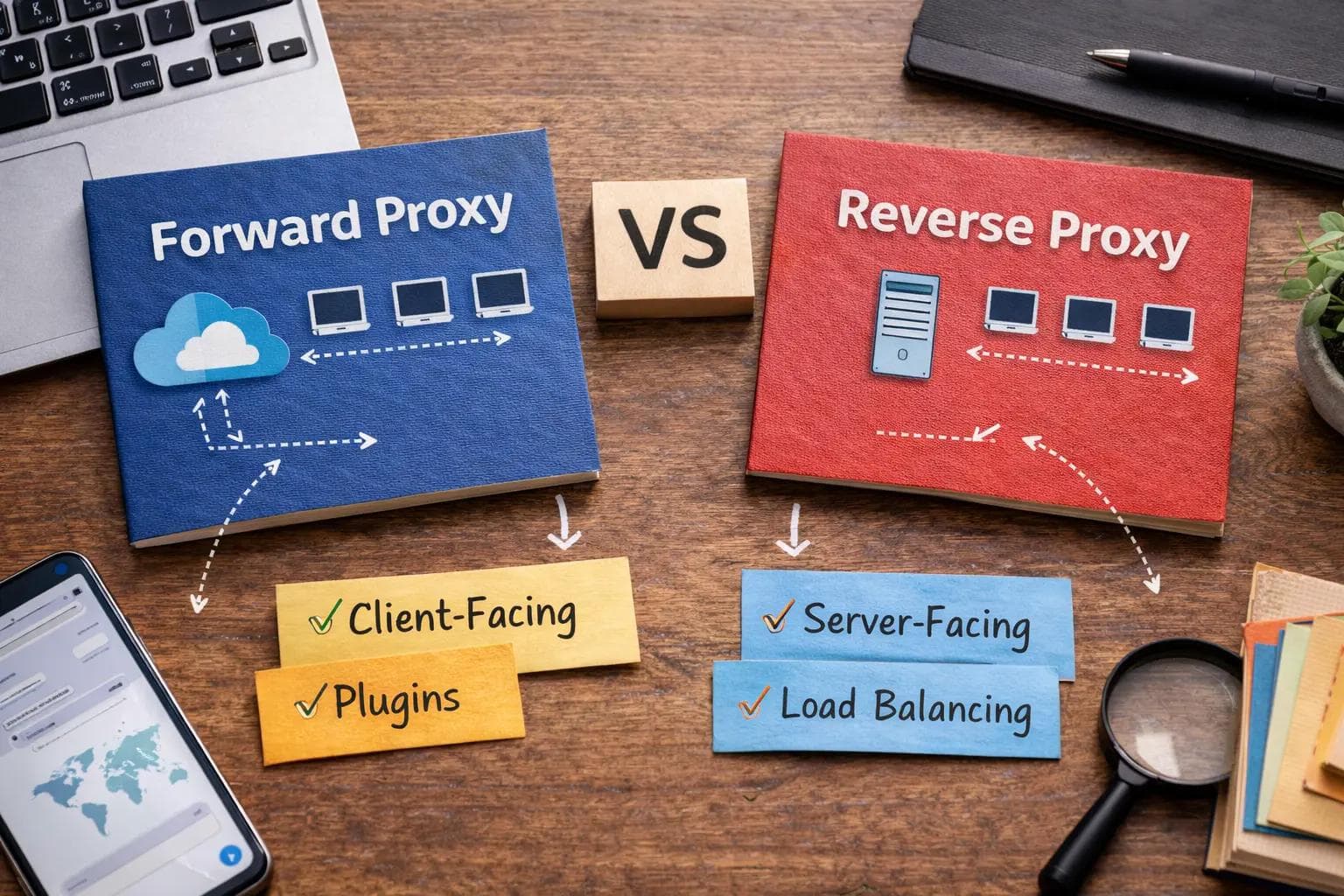
Navigating modern network architecture requires a solid understanding of how traffic flows between clients and servers. At the heart of this traffic management lies the proxy server. While the concept of an intermediary server is straightforward, engineers frequently confuse the specific roles of forward and reverse proxies.
Both technologies sit between endpoints to manage, secure, and optimize network requests. However, they serve entirely different masters. One protects the user browsing the internet, while the other protects the web servers hosting the applications. Misunderstanding these roles can lead to critical security vulnerabilities, poor application performance, and architectural bottlenecks.
This comprehensive guide is written specifically for backend developers, DevOps engineers, cloud architects, and computer science students who need a practical, deep understanding of proxy architecture.
By reading this guide, you will learn exactly what sets these two technologies apart. We will dissect their traffic flows, explore their specific use cases in microservices and enterprise environments, and provide real-world insights into configuring them effectively. Whether you are studying for a certification or actively designing a highly available cloud infrastructure, this guide delivers the clear, actionable knowledge you need.
Quick Comparison Table
| Feature | Forward Proxy | Reverse Proxy |
|---|---|---|
| Definition | An intermediary that sits in front of client machines. | An intermediary that sits in front of backend web servers. |
| Traffic Direction | Outbound (Client to Internet) | Inbound (Internet to Server) |
| Client Visibility | Backend server does not know the client's true identity. | Client does not know the backend server's true identity. |
| Server Visibility | Client knows which server it wants to reach. | Backend server knows the proxy, but not always the client. |
| Main Purpose | Client anonymity, content filtering, outbound security. | Load balancing, caching, SSL termination, server security. |
What is a Forward Proxy?
A forward proxy, often simply called a "proxy," is a server that sits directly in front of a group of client machines. When those clients attempt to send requests to sites and services on the public internet, the forward proxy intercepts those requests and acts on the clients' behalf.
How it Works
- The user enters a URL or makes an API call from their internal network.
- The request is sent to the forward proxy server instead of directly to the internet.
- The forward proxy evaluates the request against its configured rules (e.g., checking if the destination URL is blocked).
- If approved, the proxy forwards the request to the destination server on the internet, using its own IP address.
- The internet server replies to the proxy, which then passes the response back to the original client.
Key Features
Forward proxies are primarily defined by their ability to mask client IP addresses and enforce administrative control over outbound traffic. They maintain extensive logs of user activity and can cache frequently accessed external resources to save bandwidth.
Real-World Examples
If you have ever used a corporate laptop that blocked access to social media sites during work hours, you were sitting behind a forward proxy. Similarly, schools use them to prevent students from accessing inappropriate content.
Strengths
The biggest strength of a forward proxy is centralized administrative control. It provides a single choke point to monitor outbound traffic, enforce acceptable use policies, and protect internal users from downloading malicious payloads.
Limitations
Forward proxies can introduce latency if not properly scaled. Furthermore, as more web traffic becomes encrypted via HTTPS end-to-end, the ability of a forward proxy to inspect the actual contents of the traffic is limited without deploying complex SSL inspection techniques.
What is a Reverse Proxy?
A reverse proxy is a server that sits in front of one or more backend web servers, intercepting requests from clients on the public internet. It ensures that no client ever communicates directly with the origin servers hosting your application data.
How it Works
- A client on the internet sends a request to your application's domain name.
- The DNS resolves to the IP address of the reverse proxy, not the backend application server.
- The reverse proxy receives the request and determines where it should be routed based on rules, URL paths, or load balancing algorithms.
- The proxy retrieves the response from the appropriate backend server.
- The proxy returns the response to the client, making it appear as if the proxy itself generated the content.
Core Features
Reverse proxies are the backbone of modern web architecture. They handle load balancing, SSL termination, web application firewall (WAF) duties, and aggressive caching of static assets.
Real-World Examples
When you stream a video on Netflix or access your bank's web application, you are never talking to the actual database or application server. You are talking to a reverse proxy that fetches the data for you safely.
Strengths
Reverse proxies provide massive scalability and security. By hiding the backend infrastructure, they make it incredibly difficult for attackers to target specific application servers. They also offload heavy processing tasks, like decrypting HTTPS traffic, freeing up the backend servers to focus solely on running application logic.
Limitations
Because a reverse proxy is the single point of entry for inbound traffic, it represents a single point of failure. If the reverse proxy goes down, the entire application becomes inaccessible to the outside world, requiring highly available clustered deployments.
Architecture Deep Dive (Feature-by-Feature Comparison)
To truly grasp the forward proxy vs reverse proxy difference, engineers must look at how they handle specific architectural responsibilities.
Traffic Flow Explained
The fundamental architectural difference is the direction of the traffic they intercept. Forward proxies face the internal network and intercept outbound requests heading to the internet. Reverse proxies face the public internet and intercept inbound requests heading into your private data center or cloud environment.
Security Differences
In a forward proxy setup, the security goal is to protect the client. It blocks malware downloads, prevents users from visiting phishing sites, and stops data exfiltration. In a reverse proxy setup, the goal is to protect the server. It mitigates DDoS attacks, blocks SQL injection attempts via a Web Application Firewall, and prevents direct port access to backend databases.
Anonymity & IP Masking
A forward proxy provides anonymity for the client. The destination server only sees the IP address of the proxy, never the user's home or corporate IP. Conversely, a reverse proxy provides anonymity for the backend servers. The public client only knows the IP address of the proxy, keeping the internal network topology entirely hidden.
Caching Mechanisms
Both types of proxies use caching, but for different reasons. A forward proxy caches external content (like popular software updates) so that if 100 employees download the same update, the proxy only fetches it from the internet once, saving corporate bandwidth. A reverse proxy caches internal content (like product images on an e-commerce site) so the backend server does not have to regenerate or fetch the same image for thousands of different public visitors.
Load Balancing Capabilities
Load balancing is the process of distributing network traffic across multiple servers. This is almost exclusively the domain of the reverse proxy. When user traffic spikes, the reverse proxy distributes the incoming requests evenly across a pool of backend servers to ensure no single machine becomes overwhelmed. Forward proxies generally do not perform load balancing for backend services.
SSL Termination
Decrypting SSL/TLS traffic requires significant CPU resources. A reverse proxy often handles SSL termination, meaning the encrypted HTTPS connection ends at the proxy. The proxy then forwards the request to the backend server over a fast, unencrypted HTTP connection within the secure private network. Forward proxies rarely do this, unless performing intrusive SSL inspection for corporate compliance.
Performance Optimization
Reverse proxies optimize performance by compressing outbound data (like using Gzip or Brotli on HTML and CSS files) before sending it to the client. They also keep long-lived connections open with backend servers to reduce connection overhead. Forward proxies optimize performance strictly through outbound bandwidth reduction via caching.
Scalability Impact
A reverse proxy is essential for horizontal scaling. If your application needs more compute power, you simply spin up more backend servers and add their internal IP addresses to the reverse proxy's load balancing pool. A forward proxy scales differently, typically requiring larger hardware appliances to handle the aggregate outbound bandwidth of growing employee headcounts.
Deployment Scenarios (Enterprise, Cloud, SaaS)
In enterprise office environments, forward proxies are deployed at the network edge before the ISP router. In Cloud and SaaS environments (like AWS, Azure, or Google Cloud), reverse proxies are deployed at the public subnets, acting as the gateway to the private subnets where the actual compute instances reside.
Forward Proxy vs Reverse Proxy: Use Cases
Understanding the forward proxy vs reverse proxy use cases is critical for architectural planning.
Corporate Network Filtering
Organizations use forward proxies to restrict employee access to non-work-related websites, block known malicious domains, and monitor outbound data streams for compliance with data protection regulations.
Bypassing Geo-Restrictions
If a user is in a country where a specific news website is blocked, they can connect to a forward proxy located in a different country. The website will see the request coming from the proxy's location, successfully bypassing the regional block.
API Gateway Architecture
Modern applications rely heavily on APIs. A reverse proxy acts as an API gateway, receiving API calls from mobile apps and web frontends, authenticating the tokens, and routing the specific calls to the correct microservice (e.g., routing /users to the user service and /billing to the payment service).
Microservices Environments
In a microservices architecture, dozens of small applications need to communicate. A reverse proxy (often deployed as an ingress controller in Kubernetes) manages the complex routing rules required to ensure external traffic hits the correct internal container.
CDN Integrations
Content Delivery Networks (CDNs) act as globally distributed reverse proxies. They sit in front of your primary web server and cache static assets at edge locations around the world, ensuring a user in Tokyo gets the same fast load times as a user in New York.
DDoS Protection
When a Distributed Denial of Service attack occurs, bad actors flood a system with fake traffic. A reverse proxy absorbs this massive influx of traffic, identifying and dropping the malicious requests before they ever reach and crash the fragile backend application servers.
Zero Trust Security Models
Zero Trust architecture utilizes both proxies. Forward proxies verify the identity and device health of an employee before allowing them onto the internet, while reverse proxies authenticate and authorize external requests before granting access to internal applications.
Real-World Implementation Insights
In my experience configuring reverse proxies for high-traffic SaaS applications, the theoretical differences become glaringly practical very quickly.
When you first set up a reverse proxy like Nginx in front of Node.js or Python backend servers, the immediate challenge is configuration complexity. You are suddenly dealing with header manipulation. If you do not configure your reverse proxy to forward the X-Forwarded-For header, your backend application will think every single login attempt is coming from the proxy's internal IP address, entirely breaking your rate-limiting and security auditing logic.
During load testing, I have seen reverse proxies save infrastructure from total collapse. By enabling aggressive caching and SSL termination at the Nginx layer, we reduced backend CPU utilization by nearly 40%. The reverse proxy handled the heavy lifting of encrypting the data, allowing the application servers to focus strictly on database queries and business logic.
However, reverse proxies also introduce debugging challenges. When a user reports a "502 Bad Gateway" error, the issue is rarely the proxy itself. It almost always means the reverse proxy tried to talk to the backend server, and the backend server was offline, timed out, or crashed. You have to trace the logs through multiple layers of infrastructure to find the root cause.
When I deployed a forward proxy for internal filtering at a previous organization using Squid, the challenges were entirely different. The goal was to restrict outbound traffic. The main headache was dealing with developer environments. Developers constantly need to pull packages from external repositories (like npm, PyPI, or Docker Hub). If the forward proxy is too aggressively tuned, it breaks deployment pipelines. We had to spend weeks fine-tuning the access control lists to ensure security did not cripple engineering velocity.
Cost implications also differ wildly. Forward proxies for large enterprises often involve expensive enterprise licenses from security vendors. Reverse proxies, however, are heavily dominated by incredibly powerful open-source tools. You can run world-class reverse proxy infrastructure for the cost of the raw cloud compute instances.
Pros and Cons
Forward Proxy Pros & Cons
Pros:
- Enforces strict corporate compliance and content filtering.
- Protects internal clients from direct internet exposure.
- Reduces outbound bandwidth costs through caching.
- Masks internal IP addresses for anonymity.
Cons:
- Can create bottlenecks if not scaled to match user bandwidth.
- Requires complex certificate management to inspect HTTPS traffic.
- Can frustrate users and block legitimate technical workflows.
Reverse Proxy Pros & Cons
Pros:
- Hides and protects backend infrastructure from attackers.
- Enables seamless horizontal scaling and load balancing.
- Offloads SSL decryption and static file serving from application servers.
- Consolidates multiple backend services under a single public domain.
Cons:
- Represents a critical single point of failure.
- Adds complexity to infrastructure configuration and deployment.
- Can make debugging HTTP request flows more difficult.
Forward vs Reverse Proxy for Different Roles
The perception of these tools shifts depending on an engineer's daily responsibilities.
Backend Developers
Backend developers love reverse proxies. They allow developers to build simple HTTP applications that run on local ports (like 8080), knowing the reverse proxy will handle the complex HTTPS certificates and port 443 routing in production.
DevOps Engineers
For DevOps, reverse proxies are the ultimate traffic routing tool. They use them to implement zero-downtime deployments, utilizing techniques like Blue-Green or Canary deployments by simply updating the reverse proxy routing rules to point to new server versions seamlessly.
Security Engineers
Security teams rely heavily on forward proxies to monitor internal threats and prevent data leaks. They view the reverse proxy as the frontline shield, often integrating it with Web Application Firewalls to block malicious payloads before they enter the environment.
Cloud Architects
Architects view reverse proxies as the glue of modern infrastructure. When designing highly available systems across multiple availability zones, the reverse proxy ensures traffic is routed dynamically based on server health.
IT Administrators
Corporate IT administrators manage forward proxies daily to update blocklists, monitor employee internet usage, and troubleshoot outbound connectivity issues for the office network.
Startups vs Enterprises
Startups usually bypass forward proxies entirely, allowing employees to access the internet freely, but they rely heavily on reverse proxies to serve their product. Large enterprises require both: forward proxies to manage thousands of employee devices, and reverse proxies to manage their public-facing applications.
Popular Tools & Alternatives
Understanding the landscape requires knowing the best tools available in 2026.
- Nginx: The undisputed king of the reverse proxy world. It is lightweight, incredibly fast, and serves as the load balancer and ingress controller for millions of applications. It can act as a forward proxy, but it is rarely used that way.
- HAProxy: A highly specialized, high-performance reverse proxy and load balancer. It is favored for environments requiring extreme TCP and HTTP routing precision.
- Squid Proxy: The classic open-source forward proxy. It is widely used in corporate environments for caching outbound web traffic and restricting user access.
- Traefik: A modern reverse proxy specifically designed for microservices and containerized environments like Docker and Kubernetes. It automatically discovers services and configures routing dynamically.
- Cloudflare: A global Edge proxy. It acts as a massive, distributed reverse proxy, providing CDN capabilities, DDoS protection, and SSL management as a service.
- Apache HTTP Server: While primarily a traditional web server, Apache can be configured via modules to act as both a forward and reverse proxy, though it is generally slower than Nginx for these specific tasks.
FAQ Section
What is the main difference between forward and reverse proxy?
The main difference is their orientation. A forward proxy sits in front of a client and intercepts outbound requests to the internet. A reverse proxy sits in front of a server and intercepts inbound requests coming from the internet.
Can a reverse proxy act as a load balancer?
Yes. In fact, most modern software load balancers (like Nginx and HAProxy) are fundamentally reverse proxies. They intercept incoming traffic and use algorithms (like round-robin or least-connections) to distribute that traffic across multiple backend servers.
Is a VPN the same as a forward proxy?
No. A VPN encrypts your entire network connection at the operating system level, routing all traffic (browser, email, background apps) through a secure tunnel. A forward proxy typically only handles application-level traffic (like HTTP/HTTPS) configured specifically in your browser or system settings.
Do I need a reverse proxy for microservices?
Yes, it is highly recommended. Without a reverse proxy (often called an API Gateway or Ingress in this context), external clients would need to know the exact IP address and port of every individual microservice, which is a security risk and an architectural nightmare to maintain.
Is Nginx a forward or reverse proxy?
While Nginx can technically be configured to perform forward proxy duties, it is overwhelmingly utilized as a high-performance reverse proxy, load balancer, and web server.
Which proxy is more secure?
Neither is inherently more secure; they secure different things. A forward proxy secures the internal user from the dangers of the internet. A reverse proxy secures the backend application infrastructure from the dangers of public users.
Final Verdict
Deciding how to implement these technologies is a core competency for any infrastructure engineer.
You should use a forward proxy when your primary goal is controlling outbound user behavior. If you are an IT administrator tasked with preventing employees from accessing malicious sites, enforcing bandwidth quotas, or masking corporate origin IPs for competitive research, a forward proxy like Squid or a commercial secure web gateway is mandatory.
You should use a reverse proxy when you are hosting any public-facing application. Whether it is a simple WordPress blog or a massive Kubernetes microservices cluster, a reverse proxy like Nginx or Traefik is non-negotiable. It protects your application servers, handles SSL termination efficiently, and allows you to scale your backend horizontally without changing your public DNS.
You should use both together when you are operating a mature enterprise environment. The forward proxy will secure the internal workforce, while the reverse proxy will deliver your software products to the world securely and efficiently.
Practical Architecture Advice: In my experience, never expose an application server directly to the internet. The security and performance benefits of a reverse proxy far outweigh the initial configuration complexity. Start with managed reverse proxy services or CDNs like Cloudflare for instant security and caching. As your application grows in complexity, migrate to self-managed solutions like Nginx or HAProxy to gain granular control over load balancing algorithms and header manipulations. By isolating your application logic behind a robust reverse proxy, you ensure your infrastructure remains secure, scalable, and highly available for the long term.
About the Author

Suraj - Writer Dock
Suraj Kumar is a writer, entrepreneur, and the CEO and founder of this website, sharing simple and practical insights on business, creativity, and personal growth. With experience building digital projects, they enjoy helping others learn, grow, and succeed online.


