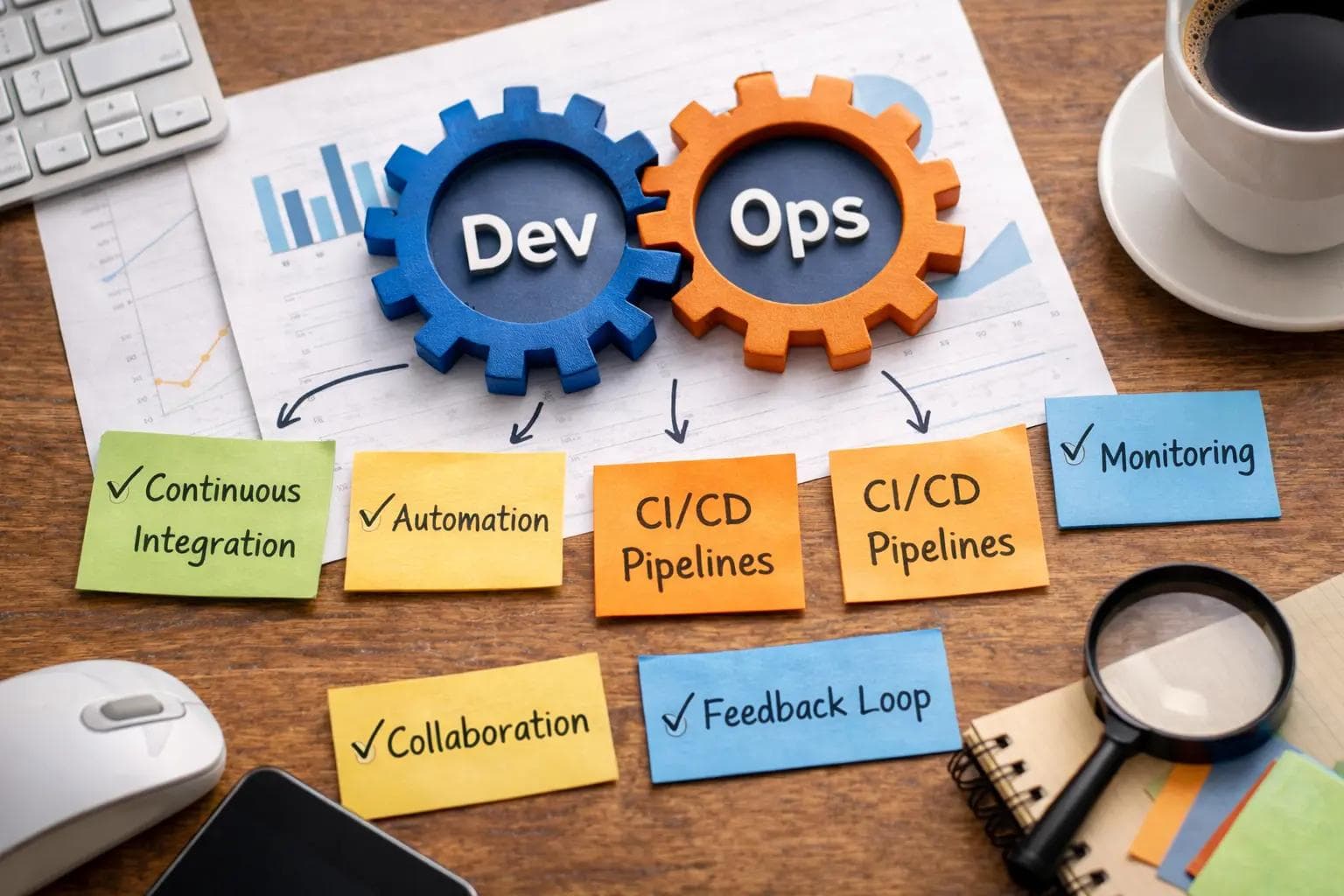
Shipping software used to be a stressful event. Developers would write code for months, hand it over to the operations team, and cross their fingers. Deployments happened late at night, usually accompanied by broken servers, downtime, and frustrated engineers.
Those days are largely behind us, thanks to DevOps. By combining software development (Dev) and IT operations (Ops), companies can now release updates dozens of times a day.
However, adopting this methodology requires more than just buying a new software tool. It requires a fundamental shift in how your team works, communicates, and builds. Without the right strategies, you will just end up doing the wrong things faster.
This comprehensive guide covers the essential DevOps best practices. Whether you are a solo developer trying to streamline your workflow or an engineering manager scaling a team, these principles will help you build reliable, high-quality software.
What Exactly is DevOps?
Before diving into the practices, we need a clear definition. DevOps is not a specific job title, and it is not a piece of software you can install.
It is a culture and a set of practices. The goal is to break down the walls between the people who write the code and the people who maintain the servers.
When these two groups work together, you achieve faster delivery, better reliability, and a massive reduction in human error. To make this happen, teams rely on heavy automation and continuous feedback loops.
1. Implement Continuous Integration and Continuous Deployment (CI/CD)
The absolute foundation of any successful DevOps strategy is the CI/CD pipeline. This is the engine that drives your code from a developer's laptop to your production servers.
Continuous Integration (CI)
Continuous Integration means developers frequently merge their code changes into a central repository. Usually, this happens several times a day.
Every time new code is merged, an automated system builds the application and runs a suite of tests. This ensures that the new code does not break the existing application. It catches integration bugs immediately, rather than weeks later.
Continuous Deployment (CD)
Continuous Deployment takes over where CI leaves off. Once the code passes all automated tests, the CD pipeline automatically deploys it to a staging or production environment.
There is no human bottleneck. If the code is good, it goes live. This allows companies to deliver new features and bug fixes to customers in a matter of minutes.
A Simple CI/CD Example
Here is a basic example of what a CI pipeline configuration looks like using GitHub Actions. This script tells the server to install dependencies and run tests every time code is pushed.
1name: Node.js CI
2
3on:
4  push:
5    branches: [ "main" ]
6
7jobs:
8  build:
9    runs-on: ubuntu-latest
10
11    steps:
12    - uses: actions/checkout@v3
13    - name: Use Node.js
14      uses: actions/setup-node@v3
15      with:
16        node-version: '18.x'
17    - run: npm install
18    - run: npm test
2. Embrace Infrastructure as Code (IaC)
In the past, setting up a server meant a human had to manually install the operating system, configure the network, and install the database. This process was slow and highly prone to human error.
Infrastructure as Code (IaC) changes this completely. Instead of clicking through menus or typing commands into a terminal, you write code to define your infrastructure.
Treating Servers Like Software
With IaC, your servers, databases, and load balancers are defined in text files. You can store these files in version control, just like your application code.
If you need a new server, you do not configure it manually. You run your IaC script, and the automated tool provisions the server exactly as defined. This guarantees that your staging environment is an identical clone of your production environment.
An IaC Code Example
Here is a simple example using Terraform. This code snippet tells the cloud provider to create a basic virtual server.
1resource "aws_instance" "web_server" {
2  ami           = "ami-0c55b159cbfafe1f0"
3  instance_type = "t2.micro"
4
5  tags = {
6    Name = "Production-Web-Server"
7  }
8    }
If that server crashes, you do not troubleshoot it. You simply run the script again to spin up a perfect replacement in seconds.
3. Prioritize Automated Testing
You cannot have Continuous Deployment without automated testing. If you are deploying code automatically, you must have absolute confidence that the code works.
Manual testing simply cannot keep up with the speed of DevOps. Human testers get tired, make mistakes, and take hours to complete test suites.
The Testing Pyramid
A healthy DevOps testing strategy follows the concept of the Testing Pyramid.
- Unit Tests: These form the base. They test tiny, isolated pieces of code. You should have thousands of these, and they should run in seconds.
- Integration Tests: These sit in the middle. They ensure that different parts of your application (like the frontend and the database) work together correctly.
- End-to-End (E2E) Tests: These are at the top. They simulate a real user clicking through your application. Because they are slow and fragile, you should only have a few critical E2E tests.
By automating these layers, your CI/CD pipeline acts as an impenetrable shield against bugs reaching your users.
4. Master Continuous Monitoring and Logging
Deploying code is only half the battle. Once your application is live, you need to know exactly how it is performing. You cannot wait for angry customers to email you about a broken website.
Continuous monitoring means your systems are constantly checking the health of your application and your infrastructure.
Metrics, Logs, and Traces
To achieve true observability, you need to track three main pillars:
- Metrics: These are numbers. How much CPU is the server using? How many users are logged in? How long does a database query take?
- Logs: These are text records of events. If an error happens, the log file tells you exactly what the application was doing at that exact millisecond.+1
- Traces: These follow a user's request as it travels through multiple different services in your system. This helps pinpoint exactly where a slowdown is occurring.
Alerting Without Fatigue
A crucial best practice is setting up smart alerts. If your server CPU hits 99%, the on-call engineer should get a text message immediately.
However, you must avoid "alert fatigue." If your system sends alerts for every minor, self-correcting issue, your engineers will start ignoring them. Only trigger alerts for issues that directly impact the user experience or require immediate human intervention.
5. Shift to Microservices Architecture
Legacy applications were often built as monoliths. This means the entire application—the user interface, the business logic, and the database connection—was bundled into one massive block of code.
Monoliths are difficult for DevOps teams. If you want to change the color of a button, you have to redeploy the entire massive application.
The Power of Decoupling
DevOps thrives on microservices. This architectural style breaks a large application down into small, independent services. Each service handles one specific job, like user authentication or payment processing.
Because these services are independent, different teams can work on them simultaneously. The billing team can deploy an update to the payment service without affecting the team working on the user profile service.
This drastically reduces deployment times and limits the "blast radius" if something goes wrong. If the search service crashes, the rest of the website stays online.
6. Apply Version Control to Everything
Most developers understand that they need to use version control (like Git) for their application code. But in a mature DevOps environment, version control applies to absolutely everything.
Your infrastructure scripts, your automated test configurations, your deployment pipelines, and even your database schemas should live in version control.
The Ultimate Safety Net
When everything is in Git, you have a perfect historical record of your entire system. If a server goes down on a Friday afternoon, you do not have to guess who changed what.
You can look at the commit history, identify the exact configuration change that caused the outage, and instantly revert it. Version control is the ultimate safety net for both developers and operations engineers.
7. Adopt Shift-Left Security (DevSecOps)
Historically, security was an afterthought. The development team would build the application, and right before launch, the security team would audit it. This inevitably led to massive delays and friction between teams.
"Shift-Left" means moving security to the earliest possible point in the development process (the left side of the timeline).
Security as Code
In a DevOps culture, security is everyone's responsibility. You achieve this by integrating automated security scanners directly into your CI/CD pipeline.
Whenever a developer commits code, the pipeline automatically checks for known vulnerabilities, exposed passwords, and outdated dependencies. If a security flaw is found, the build fails immediately. The developer is forced to fix the issue before the code can move forward.
This practice, often called DevSecOps, ensures that security scales at the same speed as your development.
8. Utilize Containerization
If you want your code to run reliably across different environments, you need to use containers. Docker is the most famous tool for this job.
Solving the "It Works on My Machine" Problem
In the past, code that worked perfectly on a developer's laptop would mysteriously crash when deployed to a production server. This happened because the operating systems, software versions, or hidden configurations were slightly different.
A container packages your application code together with all of its necessary libraries and dependencies into one standardized unit.
If a Docker container runs on your laptop, it is mathematically guaranteed to run exactly the same way on the staging server, the production server, and the cloud provider.
Once you have multiple containers, you use orchestration tools like Kubernetes to manage them, automatically scaling them up and down based on web traffic.
9. Foster a Blameless Culture
You can buy the most expensive CI/CD tools on the market, but if your company culture is toxic, DevOps will fail. DevOps is fundamentally about human collaboration.
When a massive outage occurs, the traditional corporate response is to find the person who made the mistake and punish them. This creates a culture of fear, where engineers hide their mistakes and avoid taking risks.
The Blameless Post-Mortem
The best DevOps teams practice "blameless post-mortems." When a system crashes, the team gathers to figure out what happened.
The goal is never to ask, "Who caused this?" The goal is to ask, "Why did our systems allow this human error to reach production?"
If an engineer accidentally deletes a database, the failure is not the engineer's fault. The failure is that the system allowed a single command to bypass safety protocols. By focusing on improving the system rather than blaming individuals, you create a fearless, high-performing engineering culture.
Common DevOps Mistakes to Avoid
Even teams with the best intentions can stumble when adopting these practices. Here are a few pitfalls to watch out for.
Over-Automating Too Early
Automation is great, but automating a broken process just creates broken results faster. Before you write scripts to automate your deployments, make sure your manual deployment process actually makes sense and works reliably.
Ignoring the Database
Many teams automate their application code but leave their database schemas as manual updates. This creates a massive bottleneck. You must treat database migrations with the same automated rigor as your application code.
Operating in Silos
If your "DevOps team" is just an isolated group of engineers sitting in a separate room, you are missing the point. DevOps is a methodology that every developer and operations worker must participate in, not a separate department you can outsource tasks to.
Frequently Asked Questions (FAQ)
What is the difference between Agile and DevOps? Agile is a methodology for managing the software development process and planning work efficiently. DevOps is a set of practices focused on automating the delivery, deployment, and maintenance of that software. They work best when used together.
Do I need to know how to code to work in DevOps? Yes. Modern operations rely heavily on Infrastructure as Code, CI/CD scripting, and automation logic. While you do not need to be a senior software engineer, you must be comfortable writing scripts in languages like Python, Bash, or Go.
Which tool is best for CI/CD? There is no single "best" tool. Jenkins is powerful but requires heavy maintenance. GitHub Actions is highly popular for its deep integration with code repositories. GitLab CI and CircleCI are also excellent choices depending on your team's specific needs.
Can small teams benefit from DevOps? Absolutely. In fact, small teams benefit the most. By automating testing and deployment, a solo developer or a team of three can output the same amount of reliable work as a team ten times their size.
Conclusion
Transitioning to a DevOps culture does not happen overnight. It is a journey of continuous improvement.
If you are just starting out, do not try to implement all of these best practices at once. Start small. Put all your configuration files into version control. Then, build a simple automated test that runs when you commit code.
Step by step, as you automate your pain points, you will notice something incredible. The anxiety of deployment day will vanish. Your team will spend less time putting out fires and more time building features your users actually care about. That is the true power of DevOps.
About the Author

Suraj - Writer Dock
Suraj Kumar is a writer, entrepreneur, and the CEO and founder of this website, sharing simple and practical insights on business, creativity, and personal growth. With experience building digital projects, they enjoy helping others learn, grow, and succeed online.


