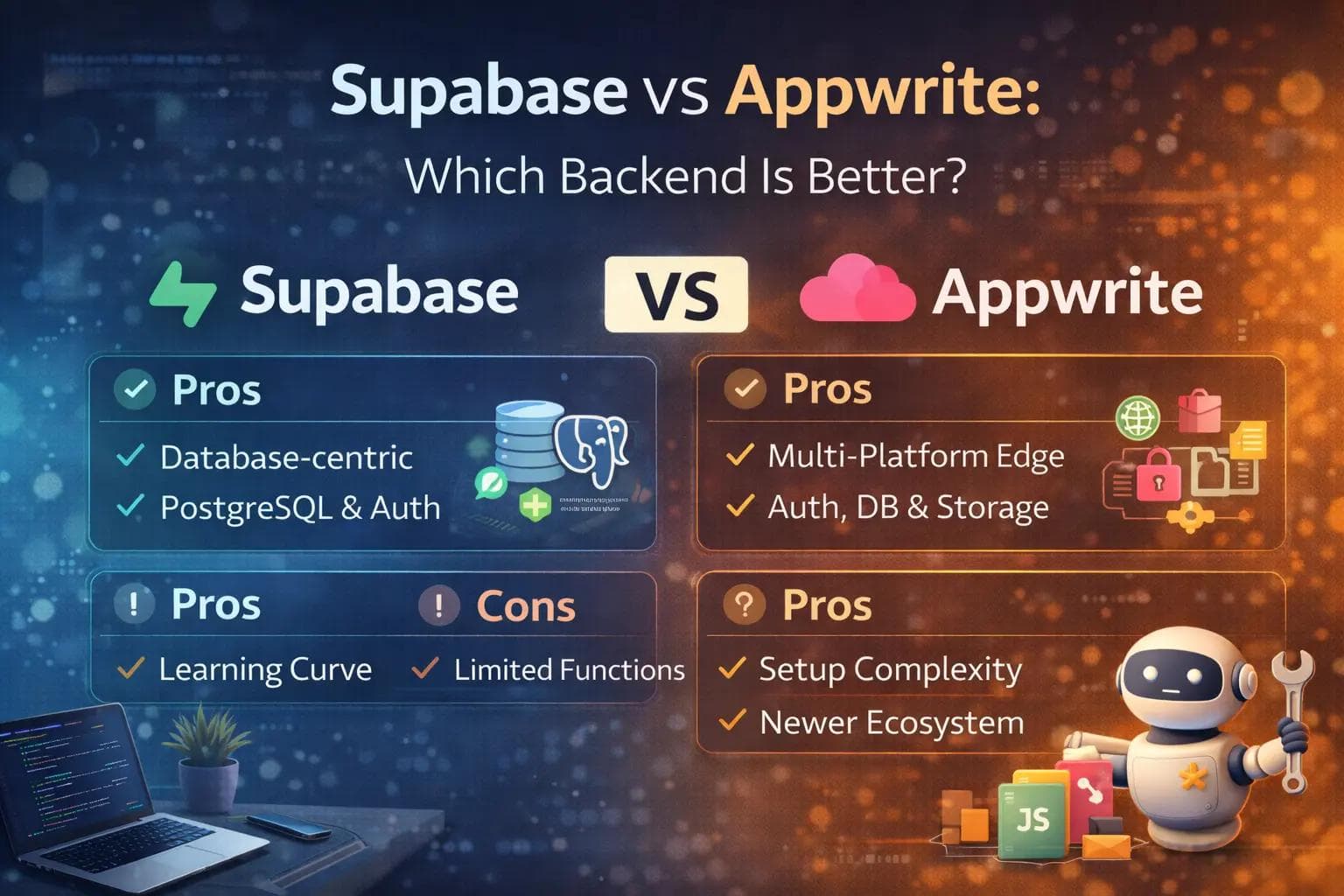
Choosing the right backend for your web or mobile application is one of the most critical decisions you will make. If you get it wrong, you face messy migrations, scaling bottlenecks, and security nightmares down the road.
For years, Google’s Firebase was the default choice for developers who wanted a fast Backend-as-a-Service (BaaS). However, the landscape has completely shifted in 2026. Developers are moving away from proprietary lock-ins and embracing open-source alternatives.
Today, the two heavyweights dominating the open-source backend space are Supabase and Appwrite. Both platforms offer authentication, databases, file storage, and serverless functions. Both allow you to spin up a robust backend in minutes.
Despite their similarities on the surface, they approach application architecture from entirely different philosophies. This guide breaks down exactly how Supabase and Appwrite compare, helping you decide which platform is the perfect fit for your next project.
The Core Philosophies
To choose between the two, you first need to understand how they are built. Their underlying architectures dictate how your application will perform and scale.
Supabase proudly calls itself an open-source Firebase alternative built on PostgreSQL. It does not try to hide the database behind custom abstraction layers. Instead, it embraces the raw power of Postgres. If you know SQL, you instantly know how to use Supabase. It gives you direct access to 30 years of enterprise-grade database development.
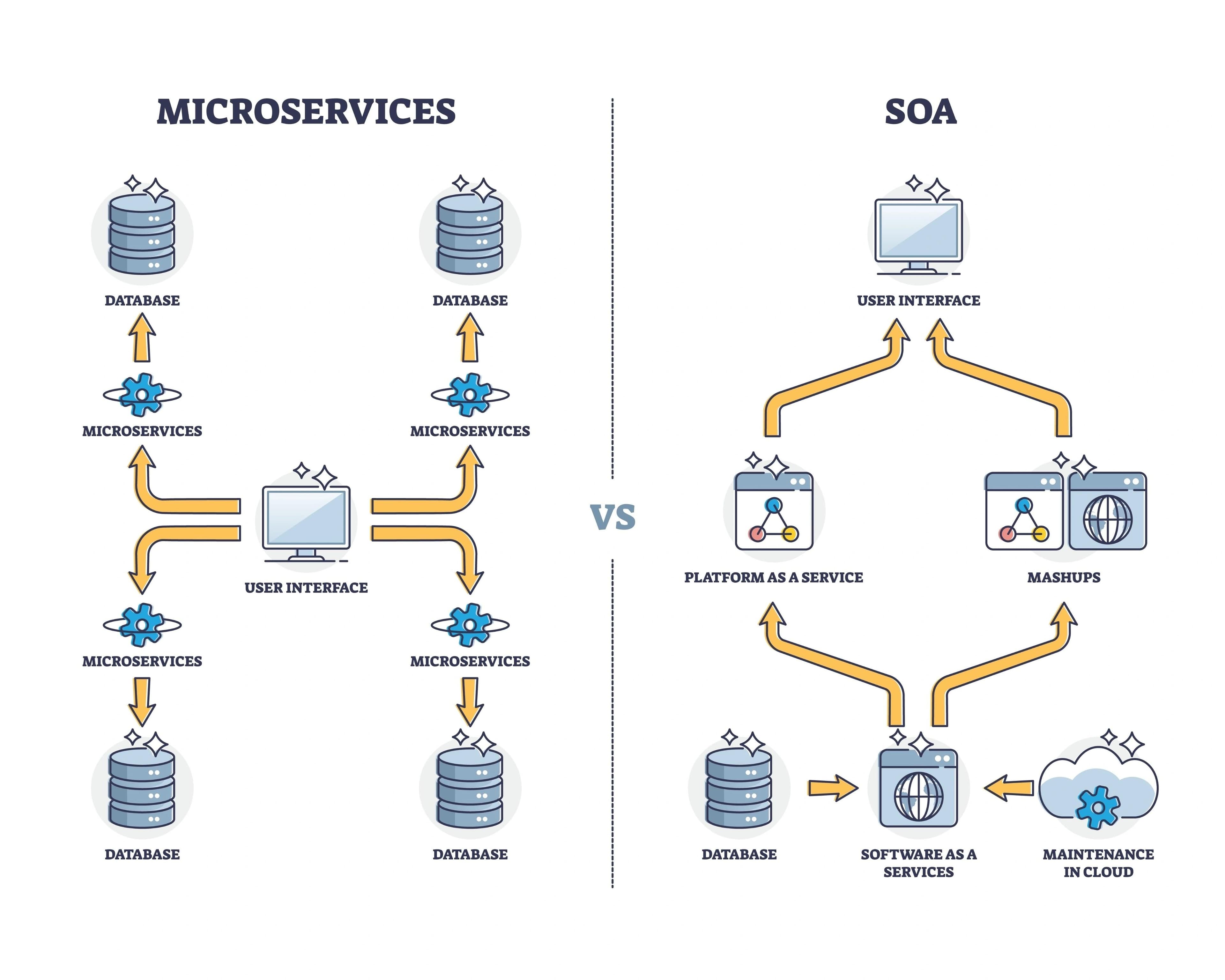
Appwrite, on the other hand, prioritizes the overall developer experience and simplicity. It is packaged as a set of Docker microservices. Historically, it treated data like a NoSQL document store, making it incredibly popular with developers transitioning from MongoDB environments. However, recent updates have introduced a more relational "Tables and Rows" interface to make structured data easier to manage.
Database Comparison: SQL Power vs Developer Simplicity
The database is the beating heart of your application. This is where Supabase and Appwrite differ the most.
The Supabase Database Advantage
Supabase gives you a dedicated PostgreSQL database. This means you can write complex SQL queries, use relational joins, and create advanced database triggers.
If your application requires complex financial reporting, deep data analytics, or intricate relationships between tables, Supabase handles it effortlessly. It also uses Postgres Write-Ahead Logs (WAL) to broadcast database changes in real-time to your frontend via WebSockets.
The Appwrite Database Experience
Appwrite uses MariaDB under the hood but abstracts it through a custom API. You interact with your data using their specific SDK methods rather than writing raw SQL queries.
Recently, Appwrite updated its terminology from "Collections and Documents" to "Tables and Rows" to feel more intuitive for relational data tasks. They also introduced a highly requested Transactions API, allowing you to execute multiple operations safely. If you prefer a simpler, spreadsheet-like UI and do not want to write complex SQL, Appwrite is highly appealing.
Authentication and User Management
Both platforms excel at user authentication. They save you weeks of building secure login flows from scratch.
Supabase uses an open-source tool called GoTrue. It supports traditional email and password logins, magic links, and over 20 social OAuth providers (like Google, GitHub, and Apple). It also natively supports multi-factor authentication (MFA) to keep your users secure.
Appwrite matches this with an incredibly robust built-in auth system. It actually offers slightly more native OAuth providers out of the box (over 30). Furthermore, Appwrite handles phone OTP (One-Time Password) SMS messaging beautifully, seamlessly integrating with global upstream providers to ensure text messages arrive quickly.
Serverless Functions: Deno vs Multi-Language Support
When you need to run custom backend logic—like processing a Stripe payment or sending a welcome email—you use serverless functions.
Supabase relies on Edge Functions powered by Deno. These functions run on a global edge network, meaning they execute physically closer to your users for lower latency. They are incredibly fast, but you are restricted to writing your code in JavaScript or TypeScript.
Appwrite takes a different approach. It focuses on absolute flexibility. Appwrite Functions run in isolated, secure containers and support over 30 different runtimes. Whether you want to write your backend logic in Node.js, Python, PHP, Ruby, Dart, or Go, Appwrite fully supports your language of choice.
Frontend Hosting: The Appwrite Advantage
A major difference between the two platforms is how they handle your frontend code.
Supabase strictly focuses on being a backend. Once you finish building your database and API, you still need to find a place to host your React, Vue, or Next.js application. Most developers pair Supabase with a hosting provider like Vercel or Netlify.
Appwrite recently expanded into a complete end-to-end platform with Appwrite Sites. This feature allows you to deploy your frontend web application directly alongside your backend infrastructure. In 2026, Appwrite even removed deployment limits, offering unlimited sites on their free tier. It fully supports Server-Side Rendering (SSR) for modern frameworks like Next.js 16 and TanStack Start.
If you want a single dashboard to manage your entire stack—from the database to the live website—Appwrite provides a smoother all-in-one experience.
Security Models: Granular vs Simple
Security is non-negotiable. While both platforms are highly secure, they implement access controls very differently.
Supabase Row-Level Security (RLS)
Supabase uses PostgreSQL’s native Row-Level Security. This is incredibly powerful but comes with a steep learning curve. You write SQL policies that dictate exactly who can read, update, or delete specific rows of data.
For example, you can write a policy that says, "Users can only view a specific medical record if their user ID matches the patient ID column." Because this security lives at the database level, it is bulletproof. However, misconfiguring an RLS policy can accidentally expose your data.
Appwrite Permission Rules
Appwrite uses a simpler, UI-based permission model. By default, when you create a new table in Appwrite, it is completely locked down. You then assign read and write permissions to specific user roles or teams through a straightforward dashboard menu.
This model is much safer for beginners because it is harder to make a catastrophic mistake. However, it lacks the microscopic, granular control that Supabase’s SQL-based RLS provides for highly complex enterprise applications
Pricing and Self-Hosting Options
The shift away from Firebase is largely driven by a desire to avoid vendor lock-in. Both Supabase and Appwrite score high marks here because they are completely open-source.
You can self-host either platform using Docker. If you have your own servers or want to use a cheap VPS from DigitalOcean or Hetzner, you can run the full versions of Supabase or Appwrite without paying them a dime.
If you prefer managed cloud hosting, both offer generous free tiers for prototyping.
However, it is important to note a recent policy change for 2026: Both platforms now pause inactive projects on their free tiers. If your Supabase or Appwrite project goes 7 days without any active development or traffic, the servers will automatically pause to save resources. You can wake them up easily, but for continuous availability, you will need to upgrade to their paid "Pro" plans, which generally start around $15 to $25 per month.
When to Choose Supabase
Supabase is the ultimate tool for data-heavy applications. It is the best choice if:
- You love SQL: You want to write complex queries, leverage database triggers, and utilize foreign keys natively.
- Data integrity is paramount: You need the strict, granular security of Row-Level Security for enterprise or highly sensitive data.
- You want edge performance: You need your serverless functions running as close to your users as possible for low latency.
Supabase is frequently chosen by teams building SaaS dashboards, financial technology apps, and complex relational databases.
When to Choose Appwrite
Appwrite shines when development speed and flexibility are your top priorities. It is the best choice if:
- You want an all-in-one platform: You prefer to host your frontend code (using Appwrite Sites) and backend in the exact same ecosystem.
- You code in multiple languages: You want the freedom to write your serverless functions in Python, PHP, Dart, or Go instead of just TypeScript.
- You prefer simple permissions: You want a straightforward, role-based UI to manage who can access your data without learning complex SQL policies.
Appwrite is incredibly popular among mobile developers (especially Flutter users), freelancers building rapid prototypes, and full-stack developers who want a seamless, unified workflow.
Frequently Asked Questions (FAQ)
Are these platforms truly viable alternatives to Firebase?
Absolutely. Both Supabase and Appwrite are mature, production-ready platforms used by massive enterprises. They successfully replicate Firebase's core features—like authentication, real-time databases, and storage—without the risk of vendor lock-in.
Which platform is easier for a beginner?
Appwrite generally has a softer learning curve for absolute beginners. Its dashboard is incredibly intuitive, its permission system is easy to grasp, and it abstracts complex database administration away from the developer.
Can I migrate my existing app from Firebase to Supabase or Appwrite?
Yes. Both platforms provide detailed migration guides and tools. The process involves exporting your NoSQL JSON data, structuring it into relational tables, and updating your frontend client SDKs to point to the new backend.
Do I lose real-time capabilities if I switch from Firebase?
No. Both Supabase and Appwrite offer excellent real-time subscriptions through WebSockets. Your application UI will still update instantly when data changes in the backend.
Final Thoughts
The debate between Supabase and Appwrite is not about which platform is objectively better. It is about which platform aligns with your engineering background and your specific project requirements.
If your application revolves around complex data relationships, and you want to leverage the absolute raw power of PostgreSQL, Supabase is unmatched in the market today. It provides a robust, highly secure foundation for scaling massive applications.
If you value developer experience, want to host your frontend and backend together, and prefer writing backend logic in a variety of programming languages, Appwrite is the clear winner. It removes friction from the development process so you can ship features faster.
Evaluate your team’s skills, map out your data structure, and consider hosting requirements. Whether you choose the Postgres-first power of Supabase or the all-in-one flexibility of Appwrite, you are building on a modern, open-source foundation that will serve your application well into the future.
About the Author

Suraj - Writer Dock
Suraj Kumar is a writer, entrepreneur, and the CEO and founder of this website, sharing simple and practical insights on business, creativity, and personal growth. With experience building digital projects, they enjoy helping others learn, grow, and succeed online.


