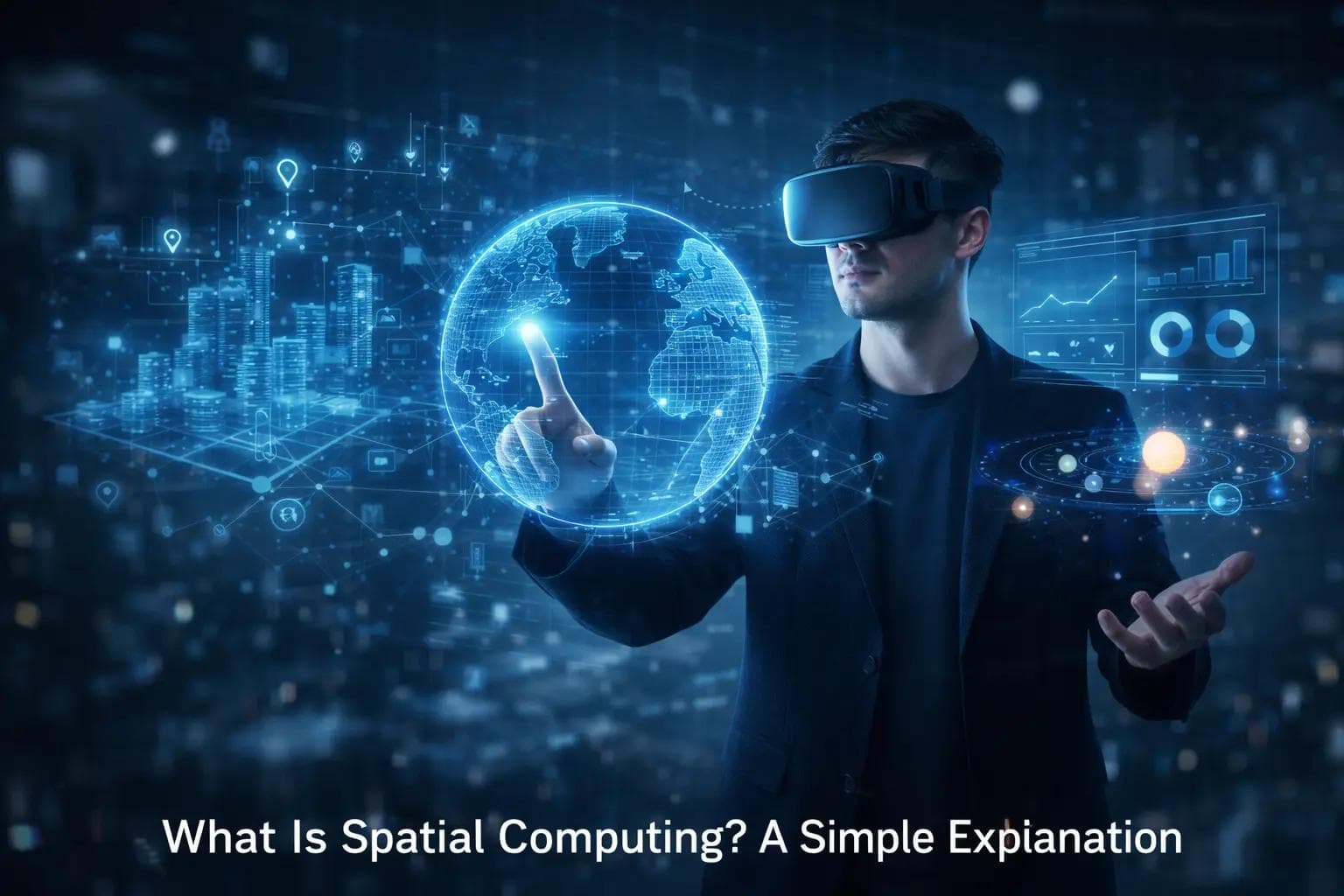
For the last forty years, our relationship with computers has been trapped behind a sheet of glass. Whether it was the bulky monitor of a desktop PC in the 90s or the sleek touchscreen of a smartphone today, the digital world has always been "in there" while we remained "out here."
We look at screens. We scroll through feeds. We type into boxes. There has always been a clear barrier separating the physical world from the digital one.
But that barrier is dissolving.
We are entering a new era of technology called Spatial Computing. You might have heard the term recently thanks to the launch of the Apple Vision Pro, but the concept is much bigger than just one headset. It represents a fundamental shift in how humans interact with machines.
So, what exactly is spatial computing? In simplest terms, it is technology that understands the physical world around you and places digital information inside it.
Instead of looking at a screen, your entire room becomes the screen. Instead of using a mouse, you use your hands and eyes. The computer steps out of the box and enters your reality.
The Core Concept: Moving Beyond the Screen
To understand spatial computing, think about how you navigate the real world. You don't "scroll" through your kitchen. You walk into it, pick up a coffee mug, and place it on the table. You instinctively understand distance, depth, and object permanence.
Traditional computers don't understand these things. To a laptop, your desk doesn't exist. It only knows what you type into it.
Spatial computing changes this. It gives computers "eyes" (cameras and sensors) and a "brain" (processing power) to understand three things:
- Where the user is in space.
- Where the computer is in space.
- The geometry of the room (walls, floors, tables).
Because the device understands the physical environment, it can lock digital objects to real-world locations. You could pin a digital calendar to your real refrigerator. You could leave a virtual note on your front door for your spouse. When you walk away and come back, those digital objects are still there, exactly where you left them.
How It Works: The Magic Under the Hood
It might feel like magic, but it is actually a sophisticated combination of hardware and software. Spatial computing relies on a continuous loop of sensing and processing.
1. Mapping the Environment
The device (usually a headset or smart glasses) constantly scans your surroundings. It uses cameras and LiDAR (Light Detection and Ranging) to measure the distance between you and the walls. It builds a real-time 3D map of your room.
This allows the computer to know that your coffee table is a solid flat surface where a virtual chessboard could sit, rather than just a blurry shape.
2. Tracking the User
The system needs to know exactly where you are looking. Internal cameras track your eye movements with extreme precision. Other sensors track your hand gestures.
This eliminates the need for clumsy controllers. If you want to click a button in spatial computing, you just look at it and tap your fingers together. Your intention acts as the cursor.
3. Digital Overlay
Once the computer knows the shape of the room and where you are looking, it projects light into your eyes to create digital images. Because it knows the depth of the room, it can make a virtual ball roll behind a real sofa and disappear, just like a real ball would. This is called "occlusion," and it is key to making the illusion convincing.
The Spectrum: VR, AR, and MR
Spatial computing is often used as an umbrella term that covers several different technologies. You have likely heard these acronyms before, but here is how they fit into the spatial puzzle.
Virtual Reality (VR)
This is fully immersive. You put on a headset that blocks out the real world completely. You are transported to a digital landscape. While this is "spatial" because you can move around, it disconnects you from your physical surroundings.
- Example: Playing a video game where you are a space pilot in a cockpit.
Augmented Reality (AR)
This overlays digital content onto the real world, usually through a transparent screen (like glasses) or a camera feed (like a phone). The digital objects are there, but they might not fully interact with the room.
- Example: Pokemon GO, where a cartoon monster appears on your sidewalk.
Mixed Reality (MR)
This is the sweet spot for spatial computing. In Mixed Reality, digital objects and physical objects coexist and interact. You can see your real living room, but there is a virtual TV screen hanging on the wall. If you drop a virtual ball, it bounces off your real floor.
- Example: The Apple Vision Pro or Meta Quest 3, which use cameras to show you the real world while blending in high-definition digital tools.
Real-World Examples You Might Know
You don't need a $3,500 headset to experience the basics of spatial computing. You likely have some of it in your pocket right now.
Snapchat and Instagram Filters When you use a filter that puts dog ears on your head, the app is using facial recognition software to map the 3D geometry of your face. As you move your head, the ears stay attached. That is basic spatial computing.
IKEA Place App Have you ever used the IKEA app to see if a couch fits in your living room? You hold up your phone, and the app places a 3D model of the couch on your floor at the correct scale. It understands the floor plane and the lighting conditions.
Google Maps Live View If you are walking in a city and get lost, you can hold up your phone in Google Maps. It recognizes the buildings around you and overlays giant arrows on the street to tell you where to turn. It is anchoring data to physical locations.
Why This Matters for Business and Industry
While gaming and entertainment are the most obvious uses, the real revolution is happening in the workplace. Spatial computing is solving problems that traditional screens never could.
1. Training and Education
Imagine a medical student learning heart surgery. Instead of reading a textbook, they can walk around a giant, beating 3D holographic heart. They can slice it open and see the valves working in real-time. This "experiential learning" has been shown to improve retention rates significantly.
2. Manufacturing and Repair
Technicians fixing jet engines or complex factory machinery often have to flip through thousands of pages of manuals. With spatial computing glasses, a mechanic can look at an engine part, and the system effectively highlights the bolt they need to turn. It can overlay a floating arrow showing which way to twist it and display the torque settings right next to the tool.
3. Remote Collaboration
Zoom calls are exhausting because they are unnatural. You are staring at a grid of faces. In a spatial computing environment, you could be in a virtual conference room with your colleagues from Tokyo and London. You can turn your head to look at them, pass 3D models back and forth, and write on a shared whiteboard as if you were truly together.
4. Architecture and Design
Architects currently build small physical models or show 2D blueprints. With spatial computing, they can walk clients through a full-scale hologram of the building before a single brick is laid. They can adjust the sunlight to see how shadows fall in the living room at 4 PM.
The Hardware Driving the Revolution
We are currently in the "brick phone" era of spatial computing. The hardware is getting better, but we are still early.
Passthrough Headsets Devices like the Apple Vision Pro and Meta Quest 3 use "passthrough" video. They are opaque headsets with cameras on the outside. They film the world and show it to you on screens inside the headset with almost zero delay. This allows for incredibly sharp visuals but can feel heavy on the face.
Optical See-Through Glasses Companies like XREAL or Magic Leap are working on glasses that you can actually look through, like sunglasses. Tiny projectors beam light into the lenses. These are lighter and more natural but currently struggle to create images as solid and dark as passthrough headsets.
Smart Glasses (Audio/Camera) Devices like the Ray-Ban Meta smart glasses don't have displays yet. They have cameras and speakers. They are the precursor to true AR glasses, gathering data and letting AI assistants "see" what you see.
Challenges and Roadblocks
If this technology is so amazing, why aren't we all wearing smart glasses right now? There are several significant hurdles to overcome.
1. Form Factor and Comfort
Currently, powerful spatial computers are heavy. Wearing a computer on your face is fatiguing. Until the technology can shrink down to the size of a standard pair of reading glasses, mass adoption will be slow.
2. Battery Life
Processing the real world in 3D requires immense computing power. Most current headsets last only 2 to 3 hours on a battery. Some even require a battery pack tethered by a cable.
3. Isolation
This is a major social concern. Even with features that show a user's eyes (like Apple's EyeSight), wearing a headset creates a barrier between people. We have to figure out how to make this technology social rather than isolating.
4. Privacy
Spatial computers need cameras to work. They need to record your living room, your hands, and your face constantly. This raises massive privacy questions. Who owns the map of your house? Can advertisers see what brand of cereal is on your kitchen table?
The Future: The Spatial Web
Where is this all going? Futurists predict the rise of the "Spatial Web."
Today, the internet is a library of pages. In the future, the internet will be a layer of information painted over the real world.
Imagine walking down the street. You look at a restaurant, and a floating menu appears with reviews from your friends. You look at a bus stop, and the arrival time hovers in the air. You look at a historic monument, and a video plays showing what it looked like 100 years ago.
This won't happen overnight. It will likely happen in phases:
- Phase 1 (Now): Headsets for home and work use (gaming, movies, design).
- Phase 2 (3-5 years): Lighter glasses for specific tasks (navigation, notifications).
- Phase 3 (10+ years): All-day wearable glasses that replace the smartphone entirely.
Frequently Asked Questions (FAQ)
Q: Is spatial computing just a fancy word for Virtual Reality (VR)? A: No. VR is about blocking out the world to take you somewhere else. Spatial computing is about integrating the computer into your physical world. It includes VR, but it focuses much more on Augmented and Mixed Reality.
Q: Do I need a headset to use spatial computing? A: For the full experience, yes. However, you can experience "lite" versions of it using high-end smartphones and tablets that have AR capabilities (like iPhones with LiDAR scanners).
Q: Will this replace my laptop? A: Eventually, yes. Why would you buy a 15-inch monitor when you can put on a pair of glasses and have three 100-inch monitors floating in front of you? However, for the next few years, they will likely work alongside each other.
Q: Is it safe for my eyes? A: Manufacturers design these displays to reduce eye strain, focusing the image at a comfortable distance (usually about 2 meters away) so your eyes aren't straining to focus on a screen right in front of your face. However, taking breaks is always recommended.
Conclusion
Spatial computing is not just a new gadget; it is a new interface.
We moved from command lines to graphical icons. We moved from mice to multitouch screens. Now, we are moving from screens to spaces.
It brings the intuitive nature of the physical world—grabbing, moving, looking—to the infinite power of the digital world. While the headsets of today might look bulky and expensive, they are the first steps toward a future where technology disappears into the background.
In the future, we won't look at our computers. We will live with them. The internet will no longer be a place we visit; it will be a layer of reality we inhabit. That is the promise of spatial computing.
About the Author

Suraj - Writer Dock
Suraj Kumar is a writer, entrepreneur, and the CEO and founder of this website, sharing simple and practical insights on business, creativity, and personal growth. With experience building digital projects, they enjoy helping others learn, grow, and succeed online.


