Imagine hiring the smartest assistant in the world. They have read every book in the library and can solve complex physics problems in seconds. But there is a catch: they are locked in an empty room. They cannot see your company’s files, they cannot check your inventory list, and they certainly cannot look up a customer’s order history.
This is the current state of most Large Language Models (LLMs). They are incredibly intelligent, but they are isolated from your actual data.
For a long time, the solution was to copy and paste data into the chat window or build complex, brittle pipelines to feed information to the AI. But recently, a new standard has emerged to solve this connectivity problem permanently. It is called the Model Context Protocol (MCP).
If you are a developer, a data engineer, or just an AI enthusiast, understanding MCP is no longer optional. It is quickly becoming the standard way to give AI models safe, controlled access to your data.
In this guide, we will walk through exactly what MCP is, why it matters, and how you can use it to connect an LLM to your own database.
What is the Model Context Protocol (MCP)?
To understand MCP, think about the mess of charging cables we used to have. You had one cable for your phone, another for your laptop, and a third for your camera. It was chaotic. Then came USB-C. Suddenly, one standard port could connect almost anything to anything.
MCP is the USB-C for Artificial Intelligence.
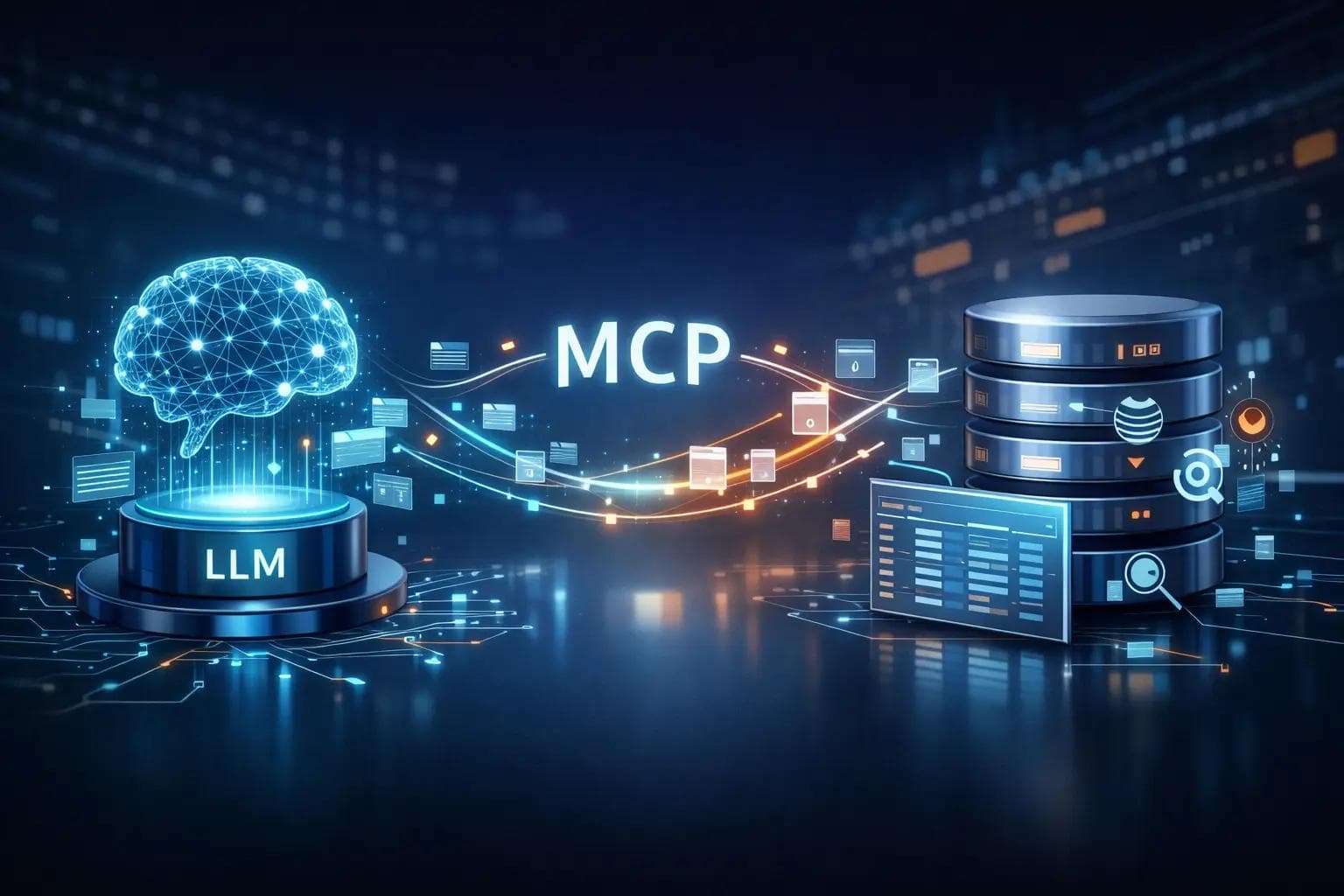
Technically speaking, the Model Context Protocol is an open standard that enables AI assistants (like Claude or bespoke AI agents) to connect to data sources (like your PostgreSQL database, Slack, or Google Drive) in a uniform way.
Before MCP, if you wanted to connect an AI to your database, you had to write a custom integration. If you wanted to switch to a different AI model later, you often had to rewrite that integration. MCP eliminates this work. You build an "MCP Server" once, and any MCP-compliant AI client can plug into it.
Why This is a Game Changer
The biggest bottleneck in AI right now isn't intelligence; it is context. An AI doesn't know your business context. By implementing MCP, you are effectively giving the AI a pair of eyes to read your live data and a pair of hands to interact with it (if you allow it).
For eCommerce sites, this means the AI can see real-time stock levels. For SaaS companies, it means the AI can debug user logs instantly.
The Architecture: How MCP Works Under the Hood
Before we start writing code or setting up servers, it is crucial to understand the three main components of the Model Context Protocol ecosystem. It is a client-server architecture, but with a twist.
1. The MCP Host (The AI Application)
The "Host" is the application where the AI lives. Currently, the most popular example is the Claude Desktop app, or IDEs like Cursor and Zed. The Host is the interface the human interacts with. It decides when to ask for data and how to present the answers.
2. The MCP Client
The client is the connector built into the Host application. It maintains the connection to the server. You usually don't have to build this; the AI application (like Claude Desktop) acts as the client.
3. The MCP Server (The Data Bridge)
This is what you will be building. The MCP Server sits on top of your data source (your database). It exposes specific "resources" (data) and "tools" (functions) that the AI can use.
4. Resources, Prompts, and Tools
These are the primitives of MCP.
- Resources: Think of these as files or data streams. It is data the AI can read. For a database, a resource might be the database schema.
- Tools: These are executable functions. For example, a tool might be execute_sql_query or get_customer_by_id. The AI can "call" these tools to get specific information.
- Prompts: These are pre-written templates that help the AI use the server effectively.
Why Connect LLMs to Databases?
You might be wondering, "Why not just paste the SQL schema into ChatGPT?"
That works for tiny databases. But in the real world, enterprise databases have hundreds of tables and gigabytes of data. You cannot fit all that into a prompt.
Solving the "Stale Data" Problem
Standard AI models have a knowledge cutoff. If you ask, "What is our top-selling product today?" the AI cannot answer because its training data is months old. By connecting via MCP, the AI queries your live database. It gets the answer based on what happened five seconds ago, not five months ago.
Privacy and Security
This is the most critical advantage. When you use MCP, you are not uploading your entire database to an AI vendor's cloud training set.
With a local MCP setup, the AI only sees the specific pieces of data it requests to answer your question. You keep your data governance intact while still leveraging the intelligence of the model.
Step-by-Step Guide: Implementing Your First MCP Server
Let’s get practical. We are going to look at the conceptual steps to set up an MCP server that connects to a simple SQLite or PostgreSQL database.
Note: You will need basic familiarity with Python or TypeScript, as these are the primary languages used for MCP SDKs.
Step 1: Choose Your SDK
The Model Context Protocol is language-agnostic, but the official SDKs make life much easier. Currently, the Python SDK and the TypeScript SDK are the most robust. For data-heavy tasks involving databases, Python is usually the preferred choice due to its strong ecosystem of database drivers (like psycopg2 or sqlite3).
Step 2: Define Your Tools
This is the most important step. You do not want to give the AI unrestricted root access to your database. That is a recipe for disaster. Instead, you define specific Tools.
A tool is a function that the AI is allowed to call. For a database integration, you might create a tool called query_database.
In your code, you would define the input schema for this tool. You tell the AI: "If you want to use this tool, you must provide a valid SQL string."
Security Tip: For production environments, do not create a generic "run any SQL" tool. Instead, create specific tools like lookup_order_status(order_id) or check_inventory(product_sku). This prevents the AI (or a malicious user prompting the AI) from accidentally deleting tables.
Step 3: Expose Resources
Resources are passive data. For a database connection, a helpful resource to expose is the Database Schema.
If the AI doesn't know your table names or column names, it cannot write valid SQL. You can set up a resource URI like postgres://schema that returns the CREATE TABLE statements for your database.
When the LLM connects, it will "read" this resource first to understand the map of your data territory.
Step 4: Configure the Transport Layer
How does the AI talk to your server? MCP supports different transport layers, but "stdio" (standard input/output) is the simplest for local testing.
Essentially, you run your Python script, and the AI application (like Claude Desktop) listens to the standard output of that script. It’s a direct pipe between the two processes on your machine.
Real-World Example: The "Support Agent" Workflow
Let’s visualize how this works in a real business scenario to see the value.
The Scenario: You run an online shoe store. A customer asks your AI support bot, "Where is my order #12345?"
Without MCP: The AI says, "I apologize, but I don't have access to your order information. Please check your email."
With MCP:
- User asks: "Where is order #12345?"
- AI Analysis: The LLM analyzes the request. It sees it needs order data. It looks at its available tools and sees get_order_details.
- Tool Call: The LLM sends a request to your MCP Server: Call tool 'get_order_details' with argument '12345.
- Server Action: Your MCP Server receives the request. It runs a secure SQL query against your PostgreSQL database: SELECT status, delivery_date FROM orders WHERE id='12345.
- Response: The database returns "Shipped, Arriving Tuesday." The MCP Server sends this text back to the LLM.
- Final Answer: The LLM constructs a natural sentence: "Good news! Order #12345 has been shipped and is scheduled to arrive this Tuesday."
This entire process happens in milliseconds. The user gets a helpful answer, and you didn't have to write a custom chatbot script.
Best Practices for Secure Implementation
Connecting a generative AI model to a structured database requires strict safety rails. The AI is non-deterministic—meaning it can make mistakes. You need to ensure those mistakes don't damage your data.
1. Read-Only Access is King
99% of the time, your LLM only needs to read data. Create a specific database user for your MCP connection that only has SELECT permissions. Revoke INSERT, UPDATE, and DELETE privileges. This ensures that even if the AI hallucinates a command to drop a table, the database will reject it.
2. Human-in-the-Loop
MCP allows for "sampling" and human approval. You can configure the Host application to require user confirmation before sensitive tools are executed. If the AI wants to run a complex SQL query, the interface can show the query to you and ask, "Allow this?" before running it.
3. Sanitize Inputs
Just because the input comes from an AI doesn't mean it is safe from SQL injection. Always use parameterized queries in your MCP server code. Never concatenate strings directly into SQL commands.
4. Limit the Scope
Do not expose your entire database schema. If the AI only answers questions about products, only give it access to the Products table. Don't give it access to the Users or Passwords table. This is the principle of least privilege.
Troubleshooting Common MCP Issues
As you implement this, you will likely hit a few bumps. Here are common issues developers face.
The "Context Window" Overflow
If your database schema is massive, sending the whole thing as a Resource might fill up the LLM’s context window.
- Fix: Create a summarized version of your schema to pass to the AI, or break the schema into smaller, modular resources that the AI can request only when needed.
Connection Refused
Often, this happens when using local database URLs (like localhost:5432) inside a Docker container.
- Fix: Ensure your networking is set up correctly. If the MCP server is in a container, it needs to be on the same network bridge as the database, or use host.docker.internal.
Hallucinated Column Names
Sometimes the AI tries to query a column that doesn't exist, like customer_email instead of email_address.
- Fix: This usually means your Resource documentation is unclear. Improve the descriptions in your schema definition so the AI clearly understands what each column represents.
The Future of AI Integration
The Model Context Protocol is in its early days, but adoption is moving fast. We are moving away from "Chatbots" that just talk, toward "Agents" that can do.
Right now, we are connecting databases. Soon, we will see standard MCP servers for everything:
- DevOps: AI that can check Kubernetes clusters via MCP.
- Finance: AI that can query QuickBooks or Xero securely.
- Personal: AI that can search your local file system to find that PDF you lost.
The beauty of MCP is the "write once, run anywhere" philosophy. If you write an MCP server for your internal company API today, it will work with the Claude of today, but also potentially with the ChatGPT or open-source models of tomorrow, provided they adopt the standard.
Frequently Asked Questions (FAQ)
Q: Is MCP a product I have to buy? A: No. The Model Context Protocol is an open standard. You can use it for free. You only pay for the API usage of the LLM you are using (like Anthropic’s API) if applicable.
Q: Does MCP work with OpenAI's ChatGPT? A: As of early adoption, MCP was spearheaded by Anthropic for Claude. However, because it is an open protocol, the community is building adapters for other models. The goal is for it to be the universal industry standard.
Q: Can I use MCP to write data to my database, or just read it? A: You can do both. You can define tools that perform INSERT or UPDATE actions. However, writing data via LLM is risky. It is highly recommended to stick to read-only operations until you have robust validation layers in place.
Q: Do I need to know how to code to use MCP? A: To build an MCP server, yes, you need some programming knowledge (Python or TypeScript). However, to use existing MCP servers, you typically just need to configure a settings file in your AI app.
Q: Is my data sent to the AI company when I use MCP? A: The AI model receives the specific data it requests (like the result of a query). It does not receive your entire database. However, that specific query result does pass through the model provider's API for processing, so standard data privacy policies of that provider apply.
Conclusion
The era of copy-pasting CSV files into a chatbot is ending. The Model Context Protocol represents the maturity of Generative AI. It acknowledges that for AI to be truly useful, it cannot live in a bubble—it needs to live where your data lives.
Implementing an MCP server to connect your LLM to your database is one of the highest-leverage projects you can undertake right now. It transforms your AI from a creative writer into a knowledgeable analyst.
Start small. Spin up a simple Python server, connect it to a read-only copy of your data, and watch how it transforms your workflow. The future of software isn't just about code; it's about context. And with MCP, you have the protocol to master it.
About the Author

Suraj - Writer Dock
Suraj Kumar is a writer, entrepreneur, and the CEO and founder of this website, sharing simple and practical insights on business, creativity, and personal growth. With experience building digital projects, they enjoy helping others learn, grow, and succeed online.


